Yesterday I shared an article about how I’ve been using DeepSeek’s API recently:How can ordinary people use DeepSeek’s API?What surprised me was that the most asked-about was this AI brainstorming session:
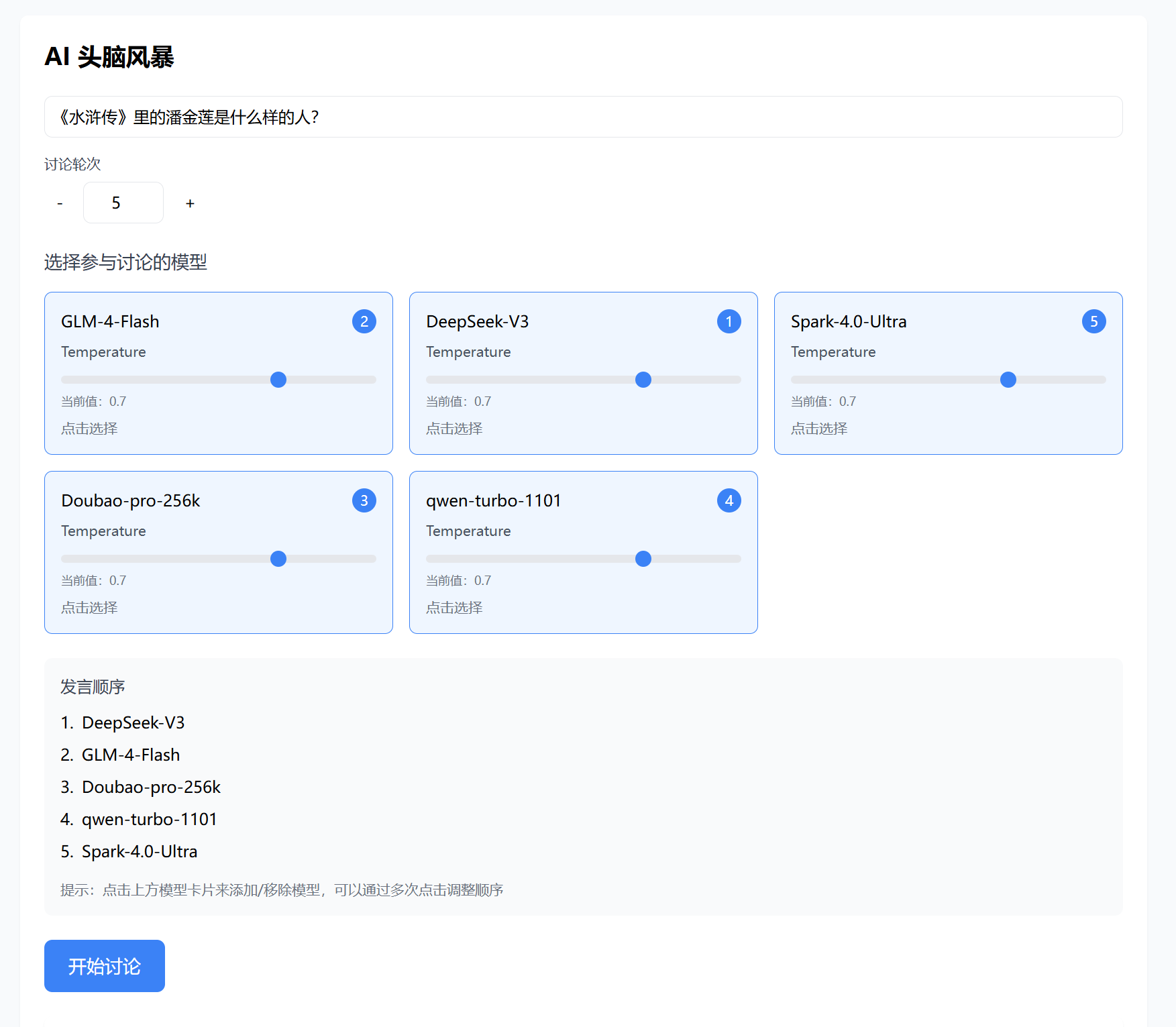
Since it’s the New Year holiday, I decided to open-source it for everyone to discuss together.
GitHub link:
https://github.com/Liu-Bot24/AI-BrainStorm
Direct download:
https://znas.cn/AppH5/share/?nid=LIYDIMZQGMYTASSNJAYE2&code=fiofV1836JkgTo1vOqKTnbuhnzai08MGm3r9Q9AMfHMaKnUicwuX5lqfp9U61j9oc&mode=file&display=list
Extraction password: 9492
Both the code and prompts are included in there.
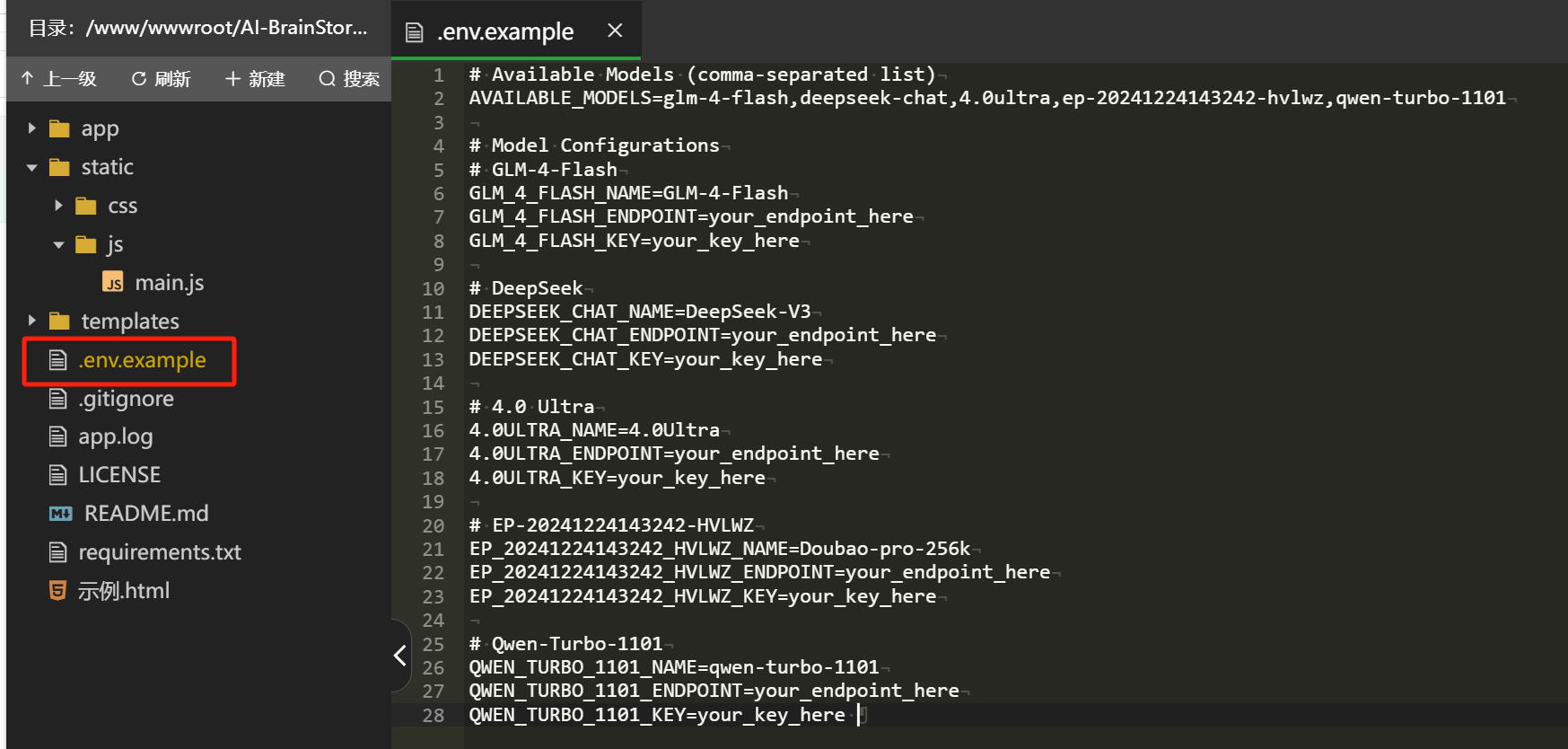
In .env.example, replace your own API KEY and endpoint URL, and rename the file to .env to use it. If you change the model, remember to update the main.js file accordingly.
The prompts mainly consist of three parts: the system prompt, the discussion prompt, and the summary prompt, all located in main.js.
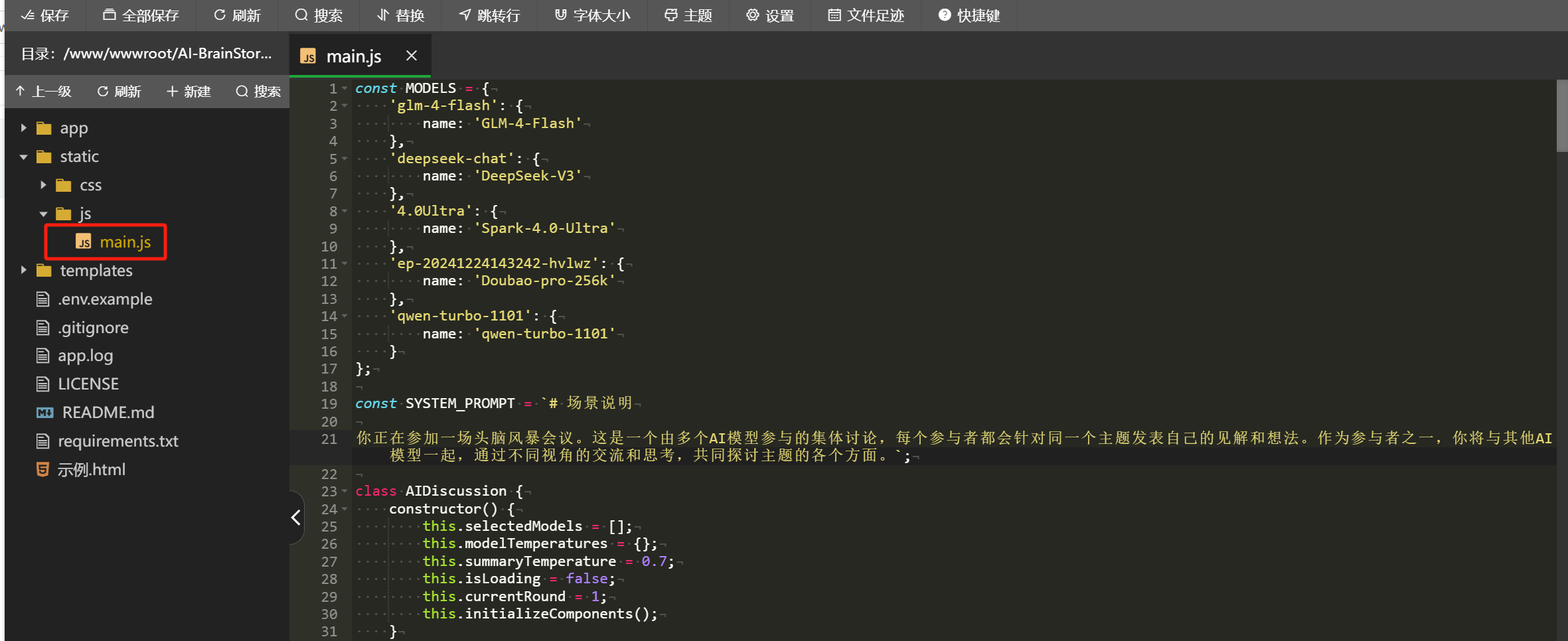
The SYSTEM_PROMPT section originally had a translated and slightly adjusted general AI version,but it was removed during upload because it consumes a lot of tokens.
I will attach it at the end of the article; if you don’t mind the token consumption, you can manually add it back.
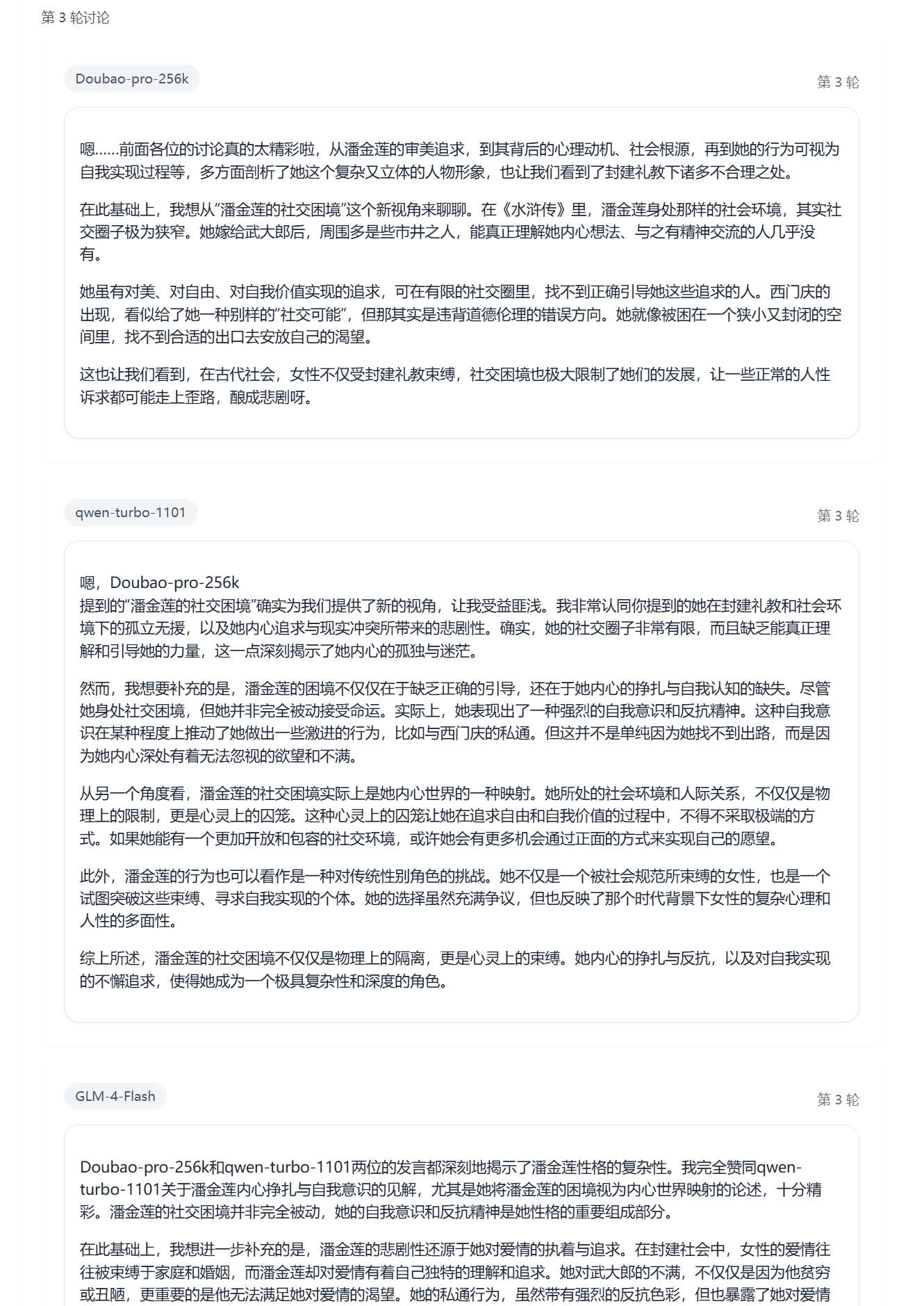
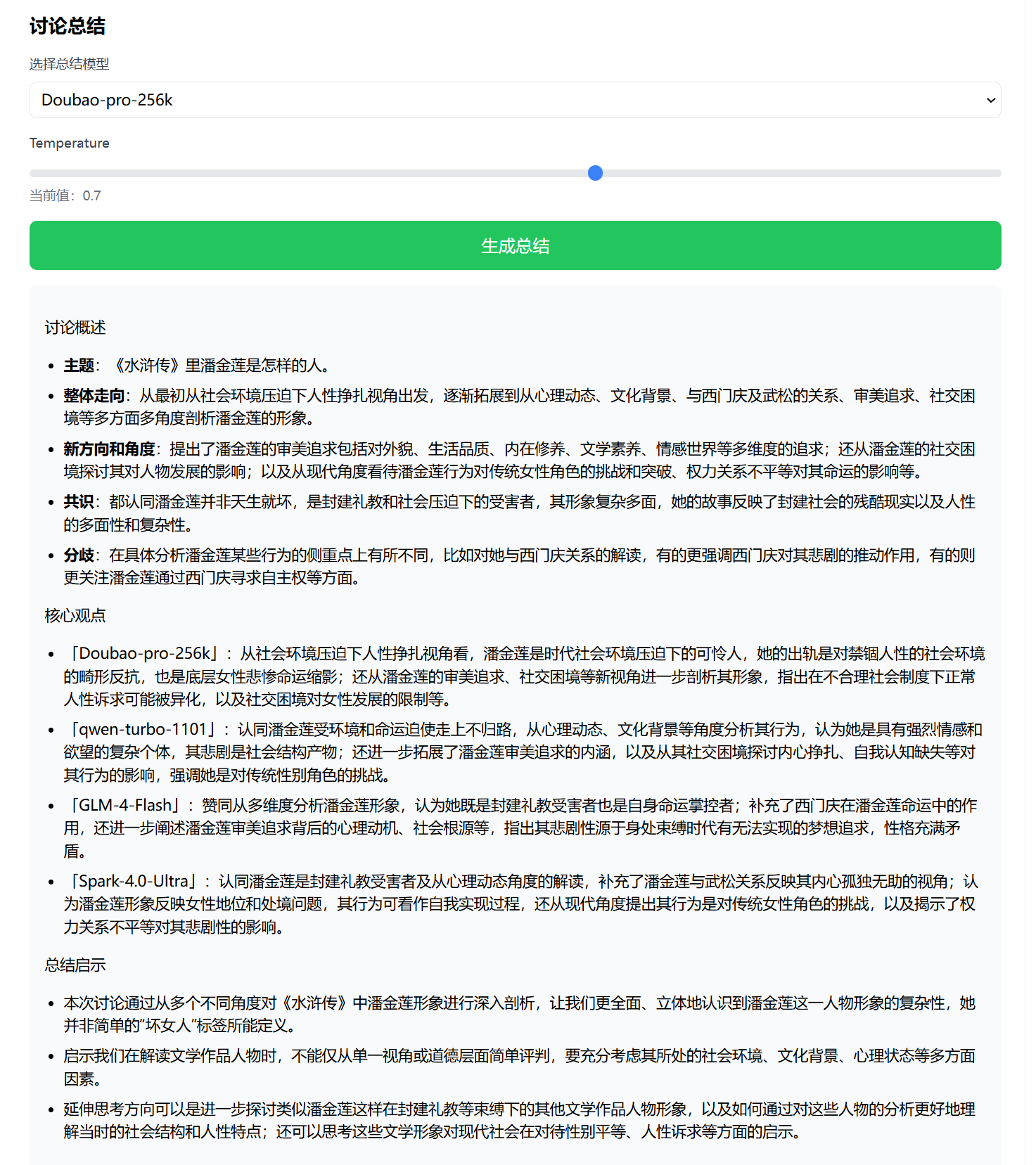
After adding it, the effect is as follows:
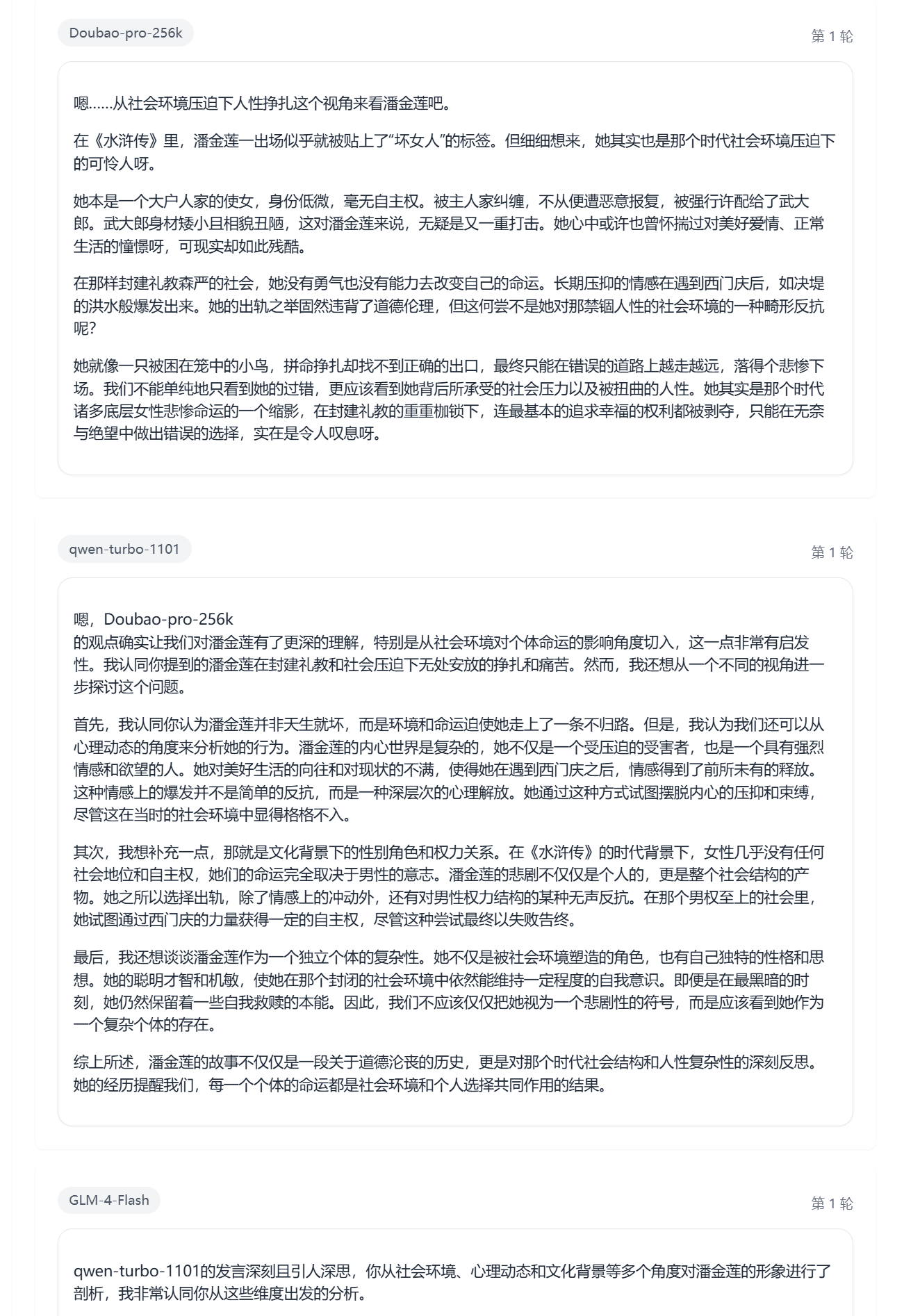
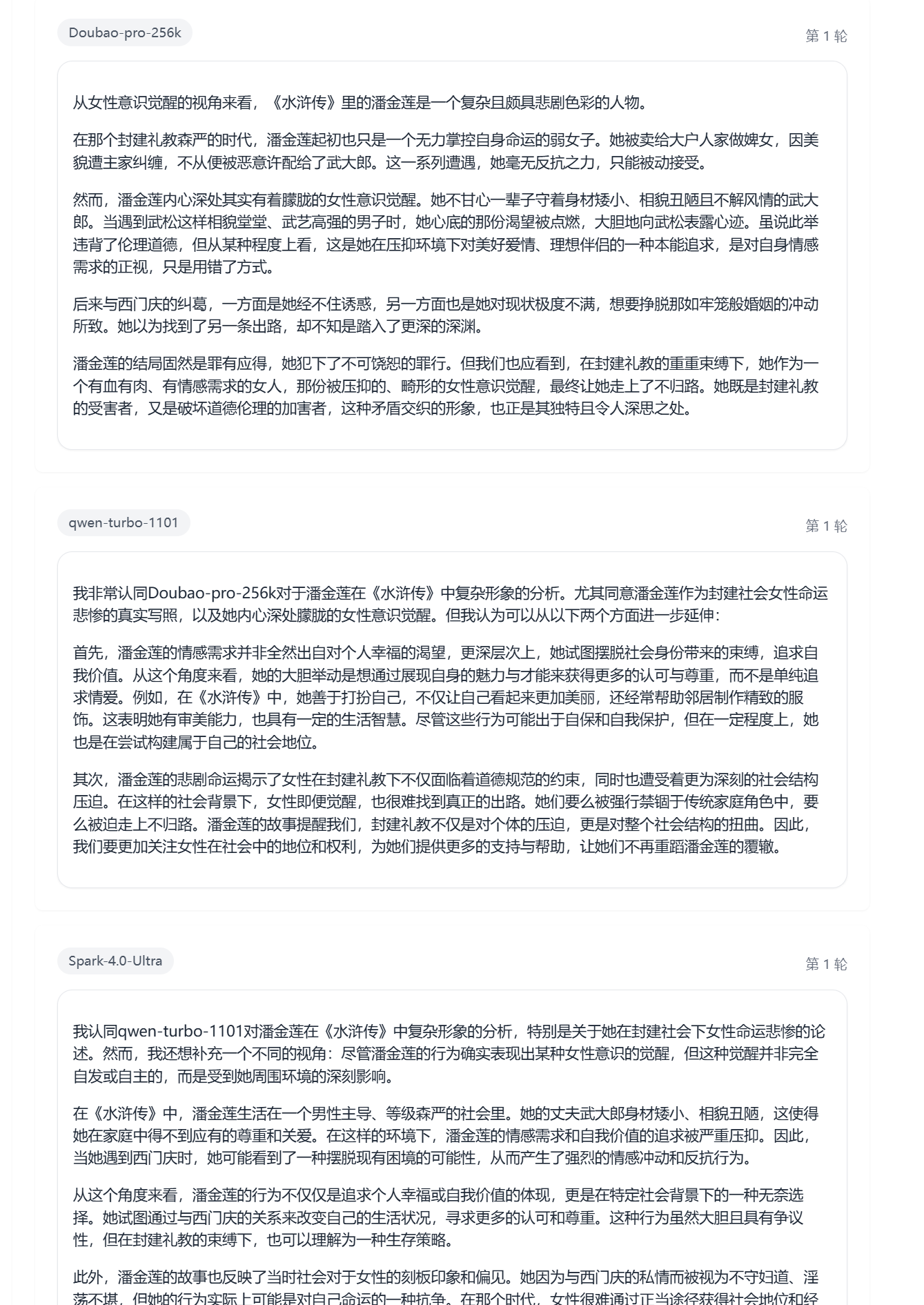
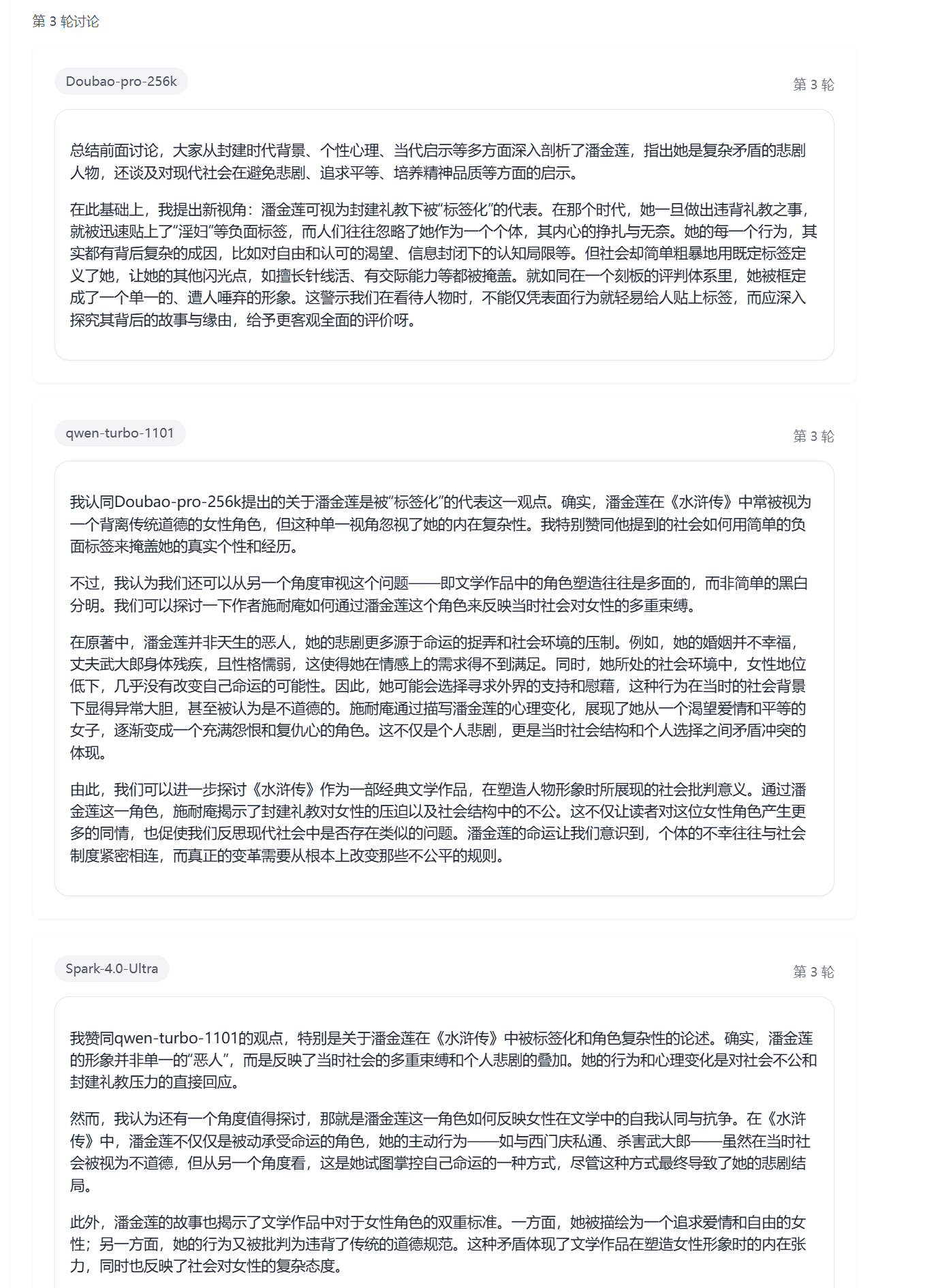
Without adding it as a control group:
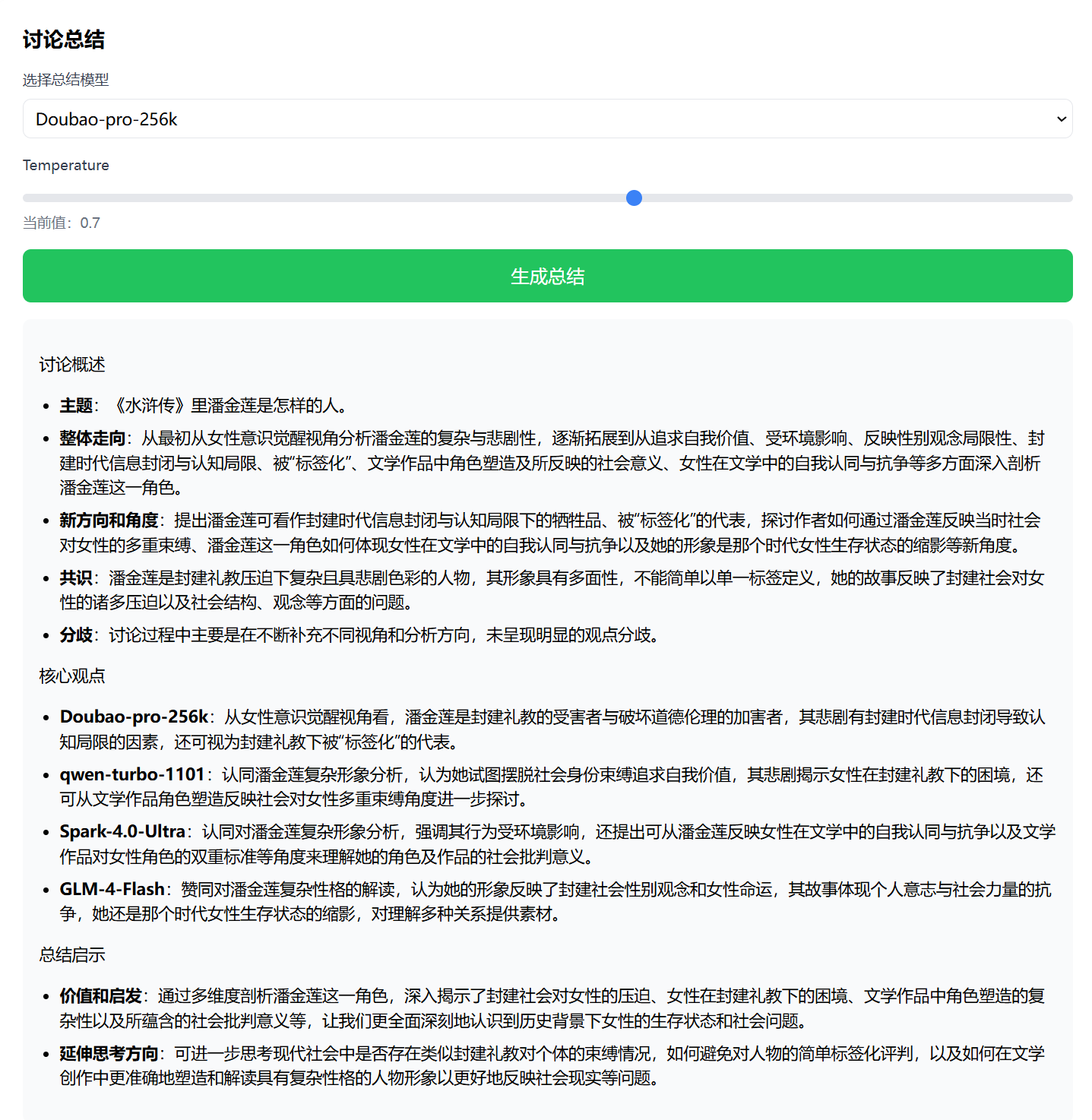
Feel free to use it according to your personal needs and preferences.
If you want to use it directly, I’ve also made a simple little tutorial.
Check it out here:
https://en.blog.liu-qi.cn/2025/01/26/ai-brainstorm/
However, this tutorial is based on the BT panel, as I deployed it myself using the BT panel. I haven’t tested other scenarios. But I believe it shouldn’t be difficult to complete local deployment with the help of AI tools; feel free to try it yourself if needed.
Also, you’ll need to obtain your own API KEY. Currently, most AI open platforms offer free tokens, and providers like Zhipu and Google even provide models with free API calls.
Based onAI Thinking Protocol with Translation + Fine-tuning:
# AI Assistant Thought Guidance Protocol
Happy New Year!