There’s something a bit embarrassing to admit.
I’ve actually been using the navigation feature on Baidu’s homepage for over a decade, specifically this thing:
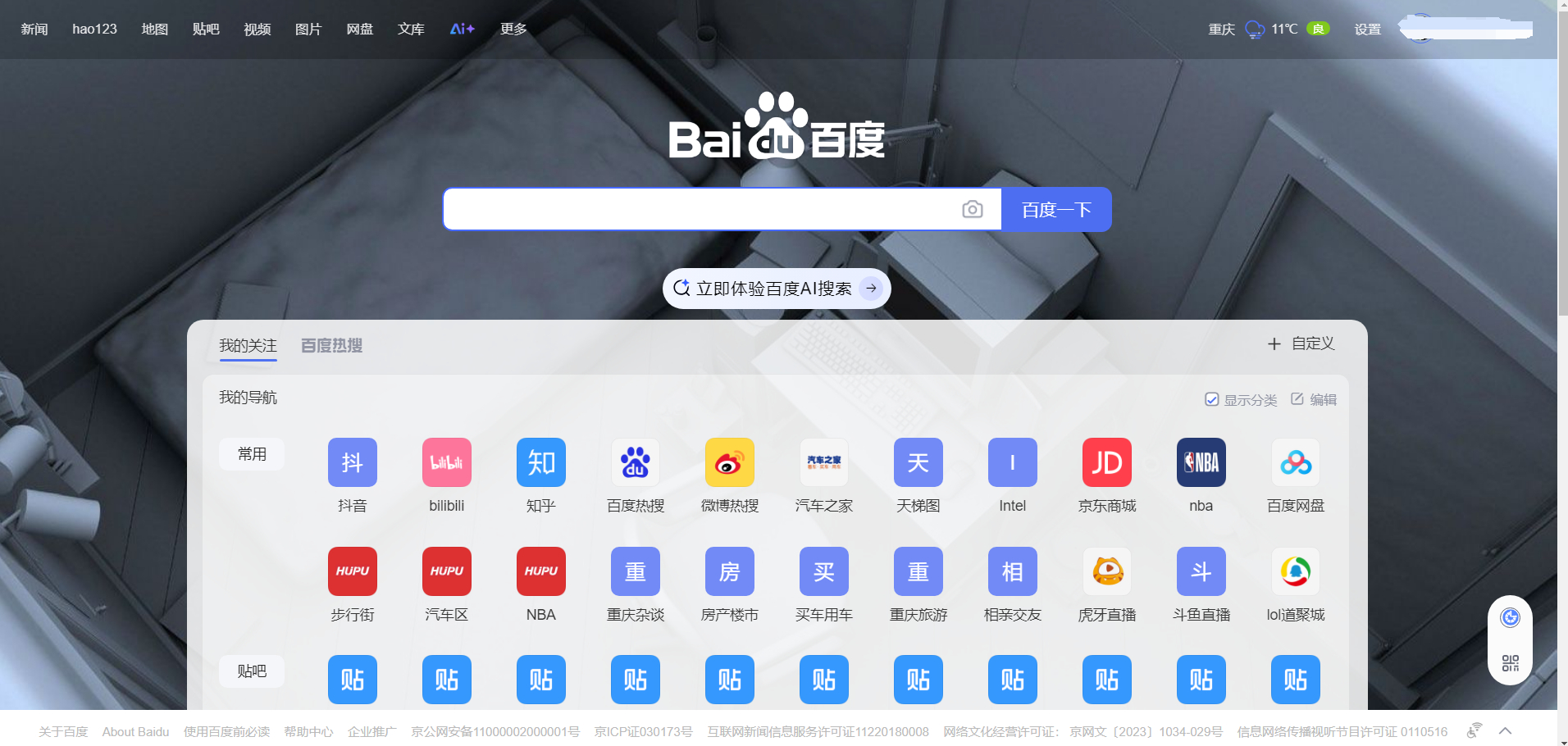
Image from the internet
Because hao123 was too flashy, and I’m an old Tieba user, Baidu’s navigation was indeed more convenient. Over the years, I accumulated over 100 website bookmarks, and the cost of migrating them was too high. So even though I could deploy many excellent navigation apps via Docker on my NAS later, and even though Baidu forcibly inserted a bunch of junk news and Baijiahao content into the navigation section that I had no interest in, as long as it didn’t affect usability, I just tolerated it.
But recently, Baidu, for some inexplicable reason, decided to redesign it. The entire navigation module became narrower, with only 6 icons per row, leaving a huge blank area displaying meaningless background images. Now, my 100+ websites are stacked across several pages.
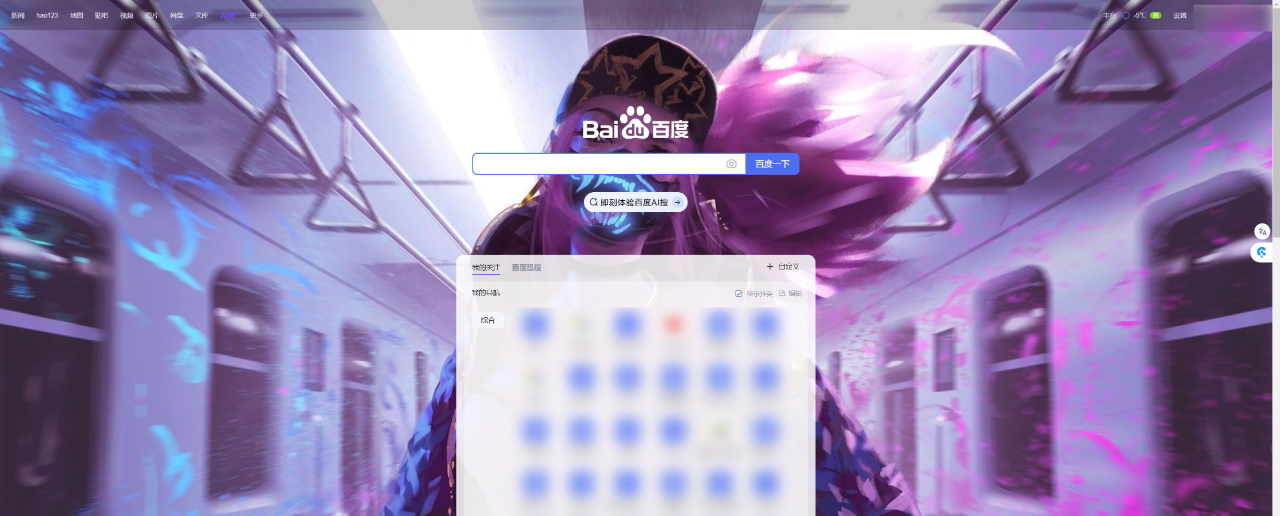
It’s absolutely absurd.
At first, I thought there was some issue with my settings, but after searching for a long time, I couldn’t find any. I looked online and found that many others were complaining too.
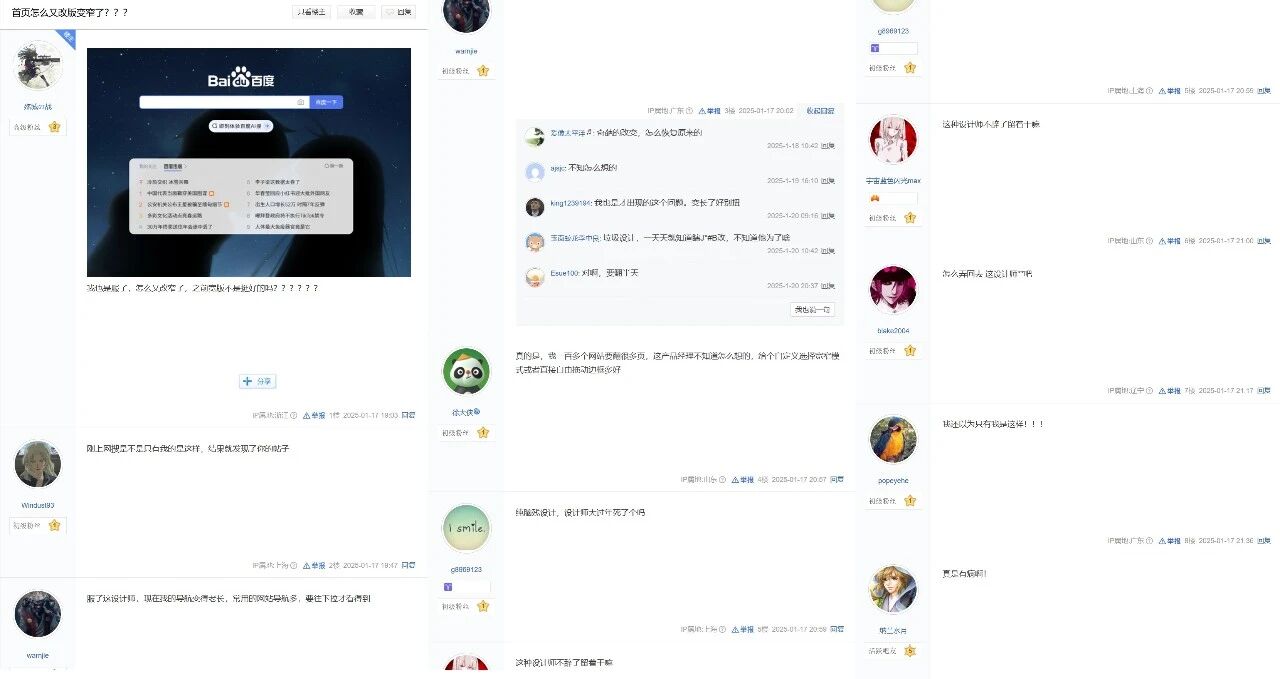
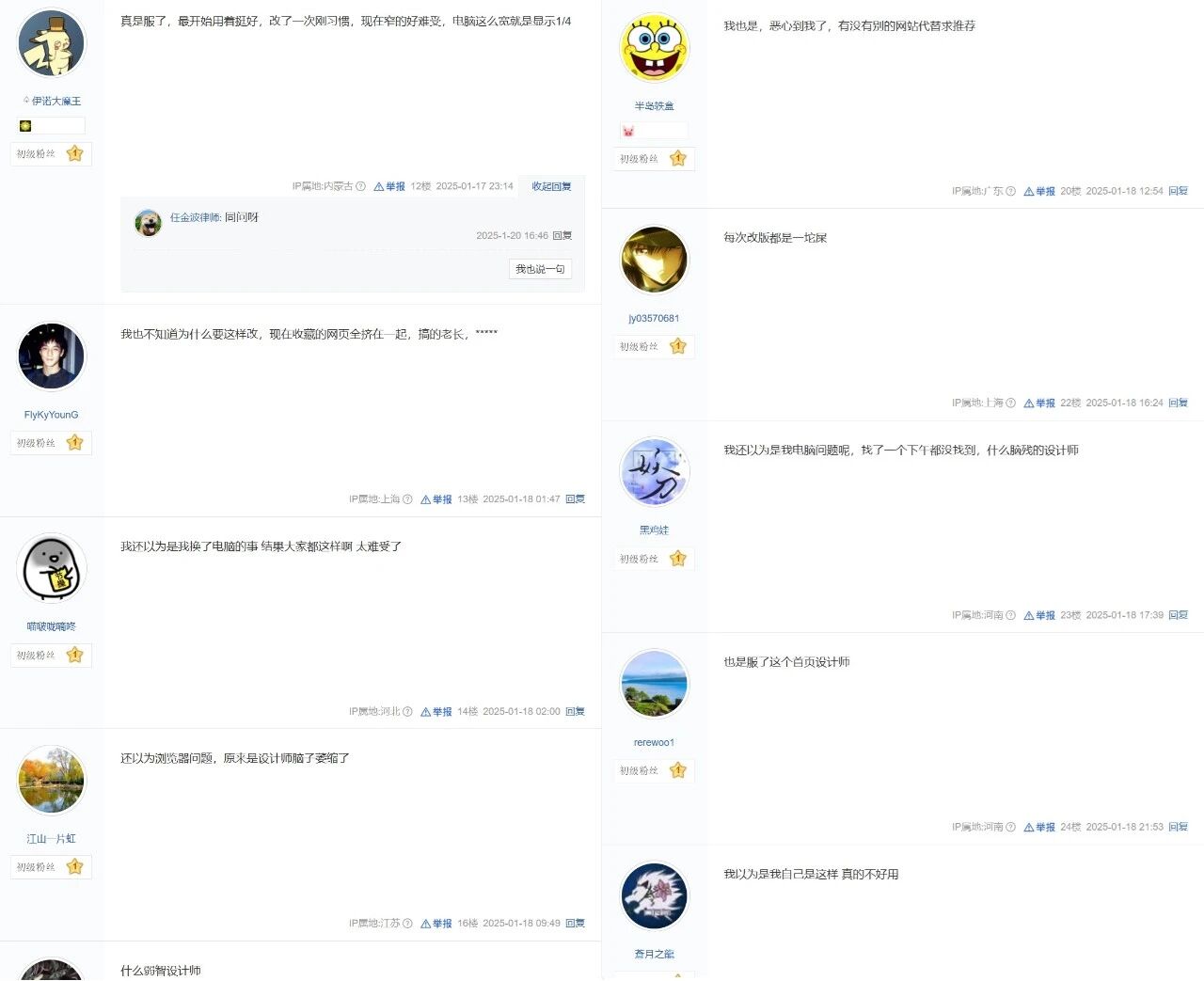
It’s really outrageous.
This time, I decided not to sit back and take it anymore.
Who knows what other nonsense Baidu’s **designers might come up with next?
Give up Baidu and switch to a new navigation website.
Actually, there have been alternatives before.
But honestly, I’ve accumulated so many navigation websites over the years that the thought of re-entering and migrating them one by one is daunting.
But times have changed, and in the era of AI, we can use AI methods to solve problems that were previously unsolvable.
First, we can use AI to extract the original navigation categories and websites.
The free DeepSeek-R1 can handle this task:

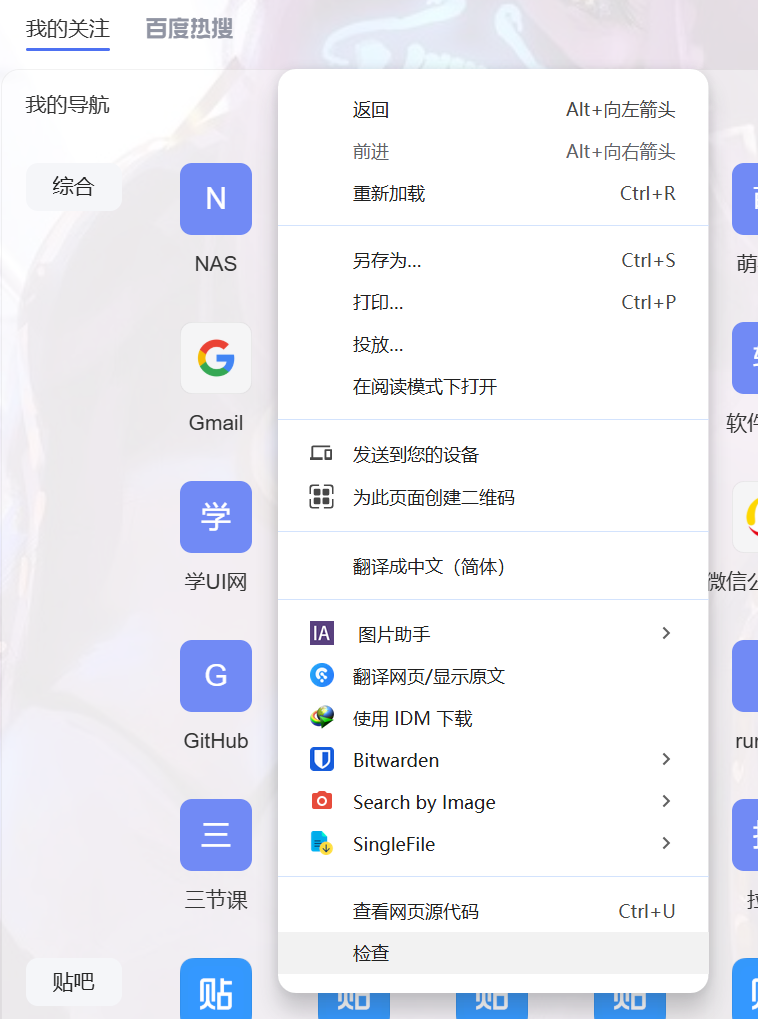
In the navigation section of Baidu, right-click and select ‘Inspect’.
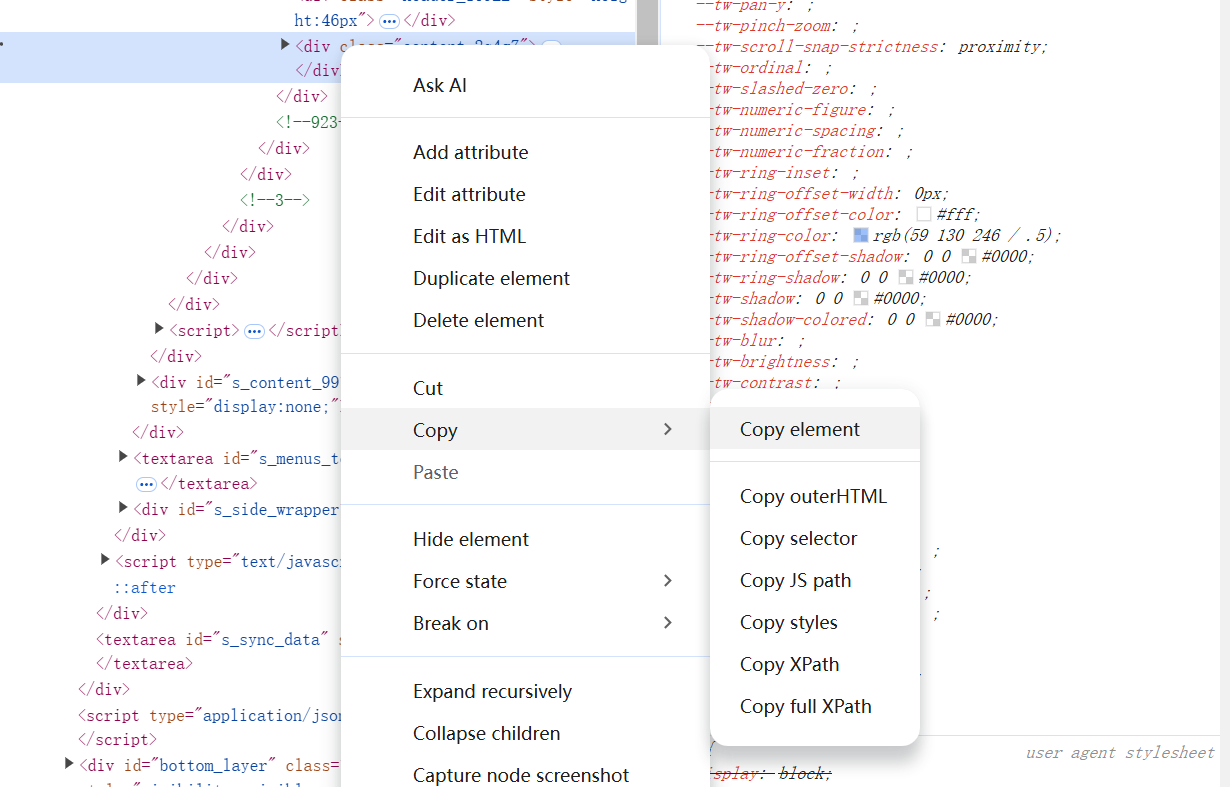
Then copy all the front-end code of the entire section.
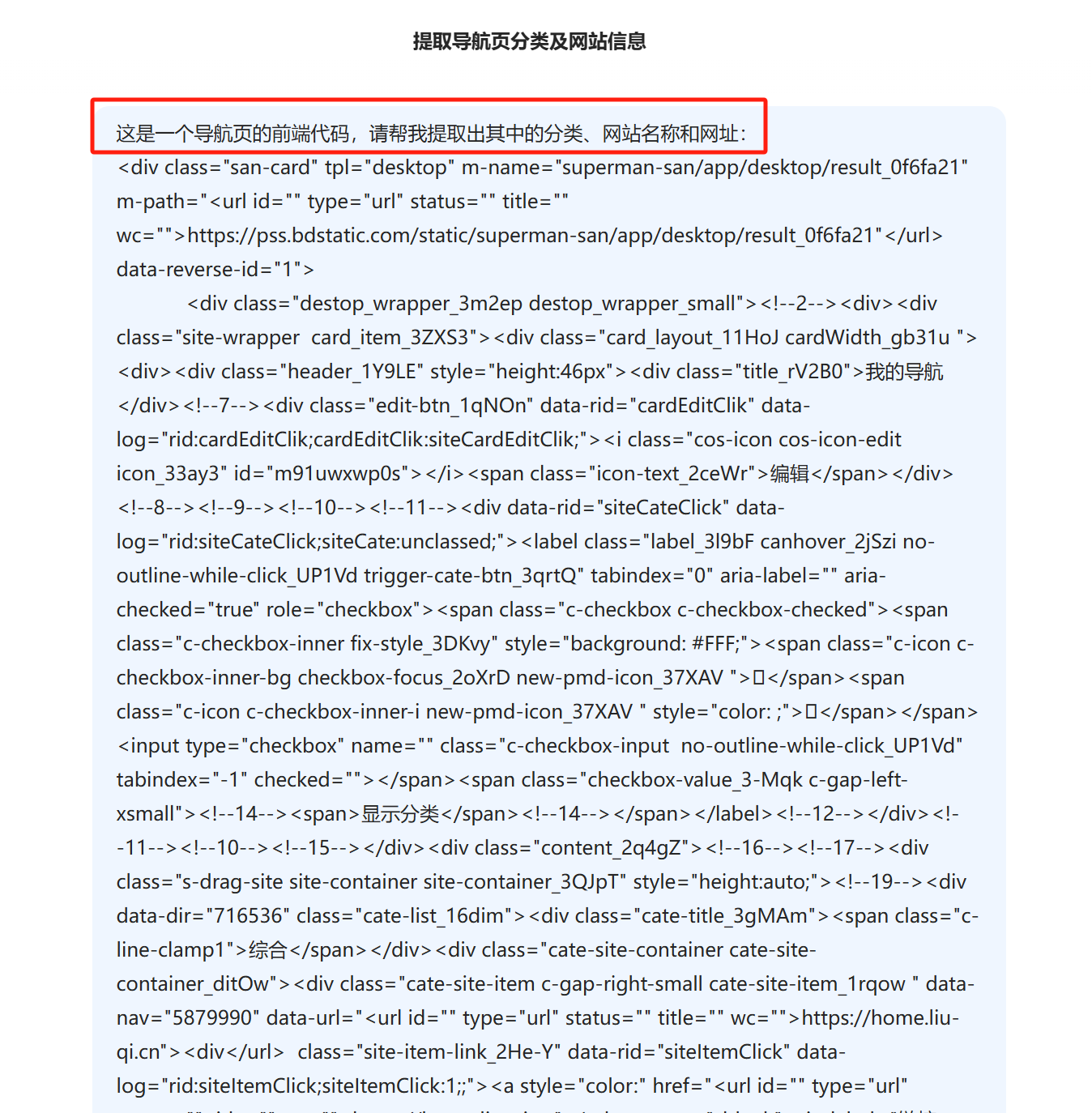
You just need to tell the AI: ‘This is the front-end code of a navigation page. Please help me extract the categories, website names, and URLs from it.’
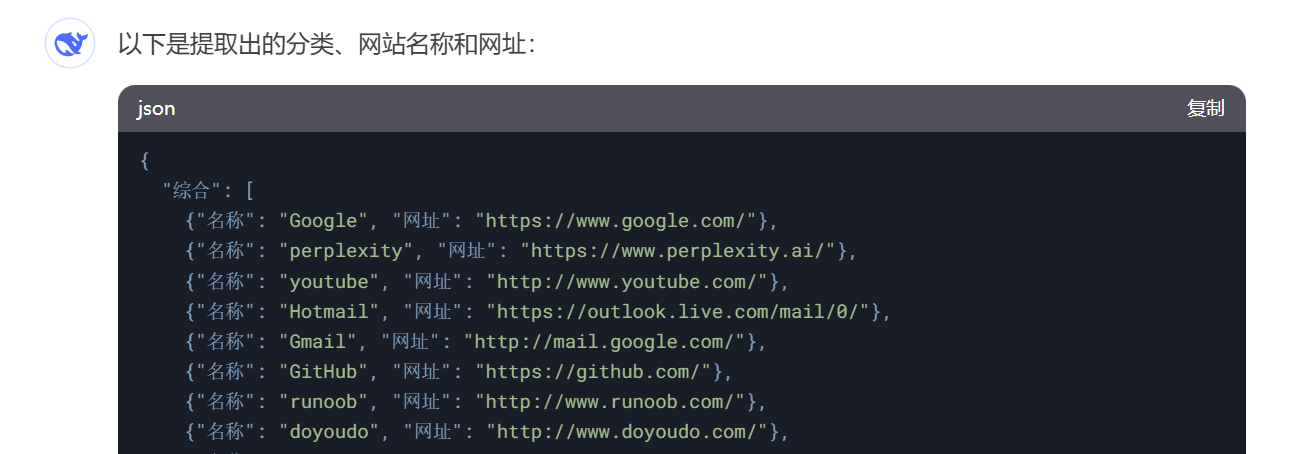
It will automatically extract the categories, names, and links of the websites within.
Next, you can have the AI complete the navigation page.
This can be done in a Chat tool:
Claude is recommended, as it allows for repeated modifications and adjustments in Artifacts and supports previewing.
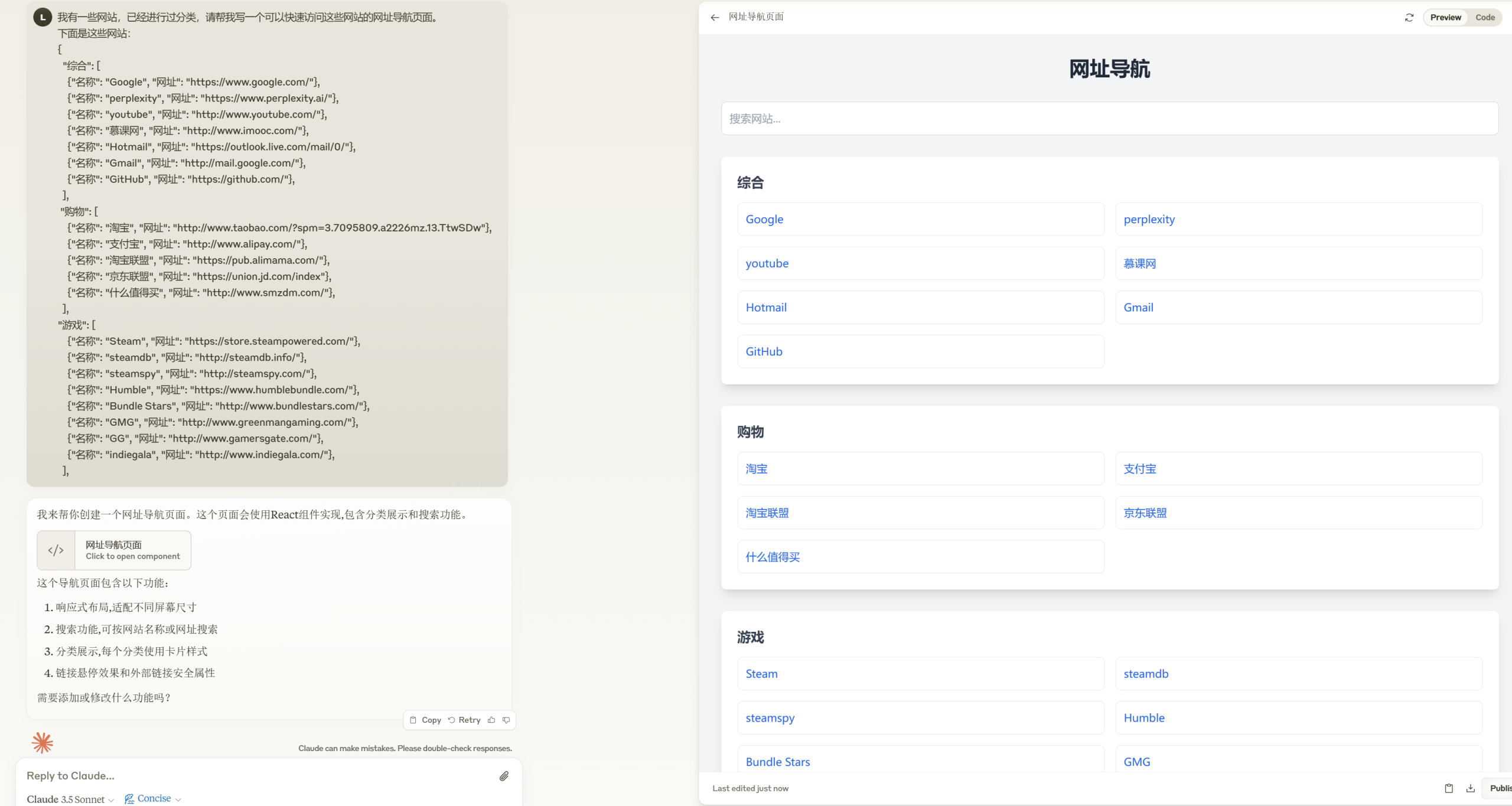
If you need changes, simply continue chatting.
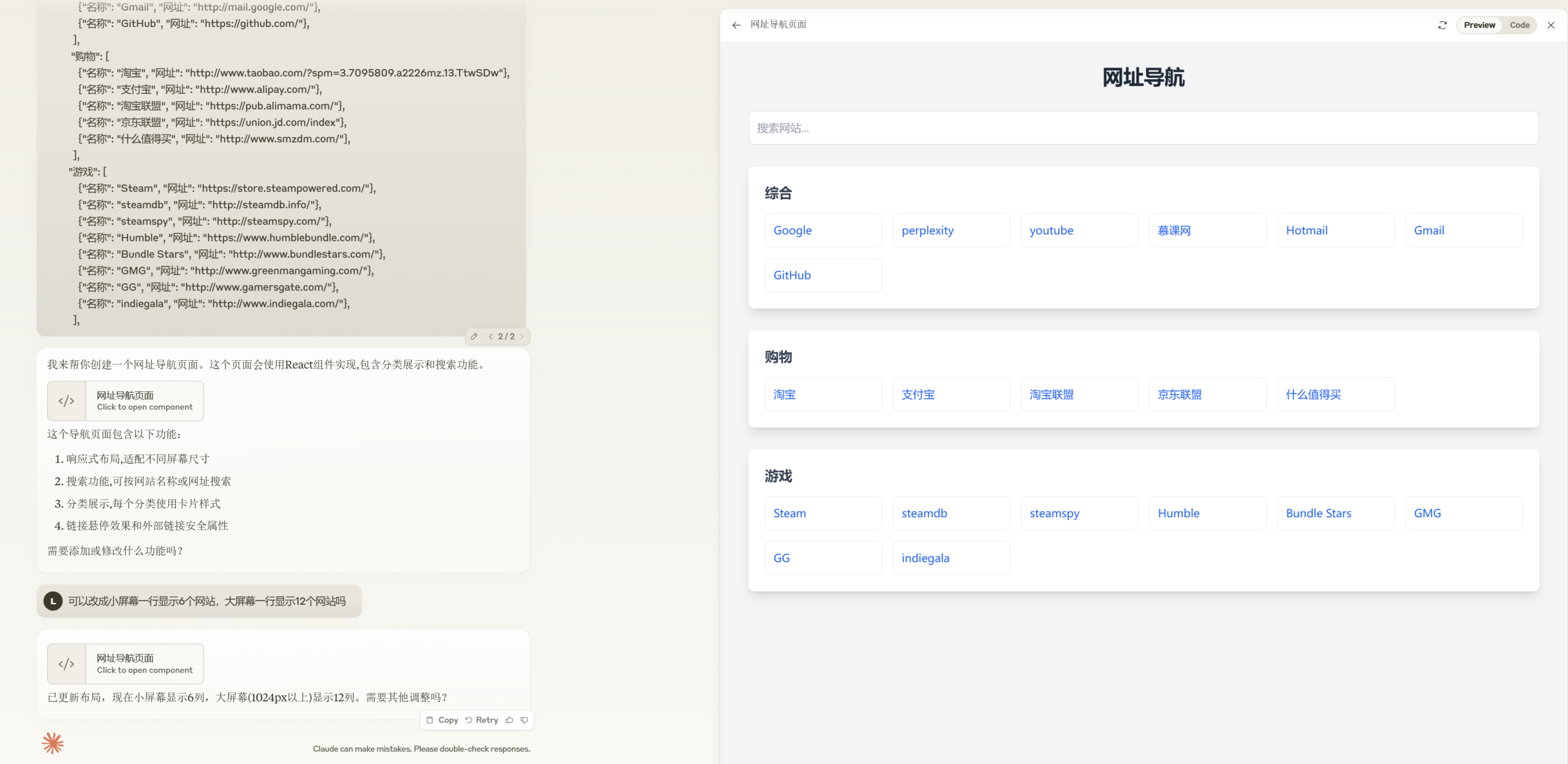
The back-end implementation can also be generated through conversation.
Special note: If, like me, you don’t have much coding experience, it’s advisable to ask it to implement using relatively easy-to-deploy languages like Python or PHP.
However, Chat tools always require copying and pasting and finding code locations, which can be cumbersome. For a more automated solution, you can also use AI programming tools:
If you’re pursuing ultimate cost-effectiveness, you can use VS Code (Cursor actually works fine) with plugins like Roo Code or Cline, connected to the DeepSeek API, which is more than capable of writing simple pages.
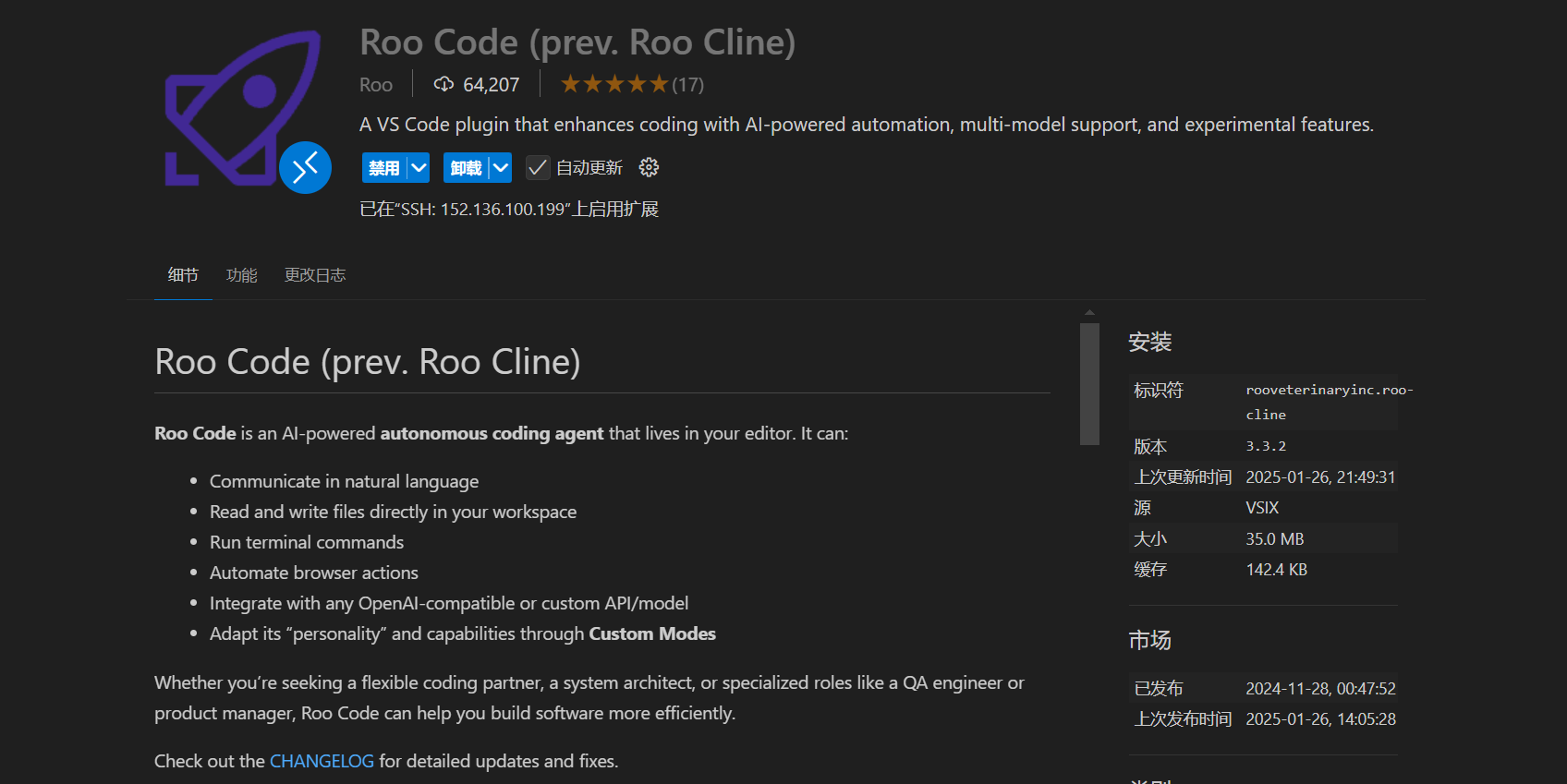
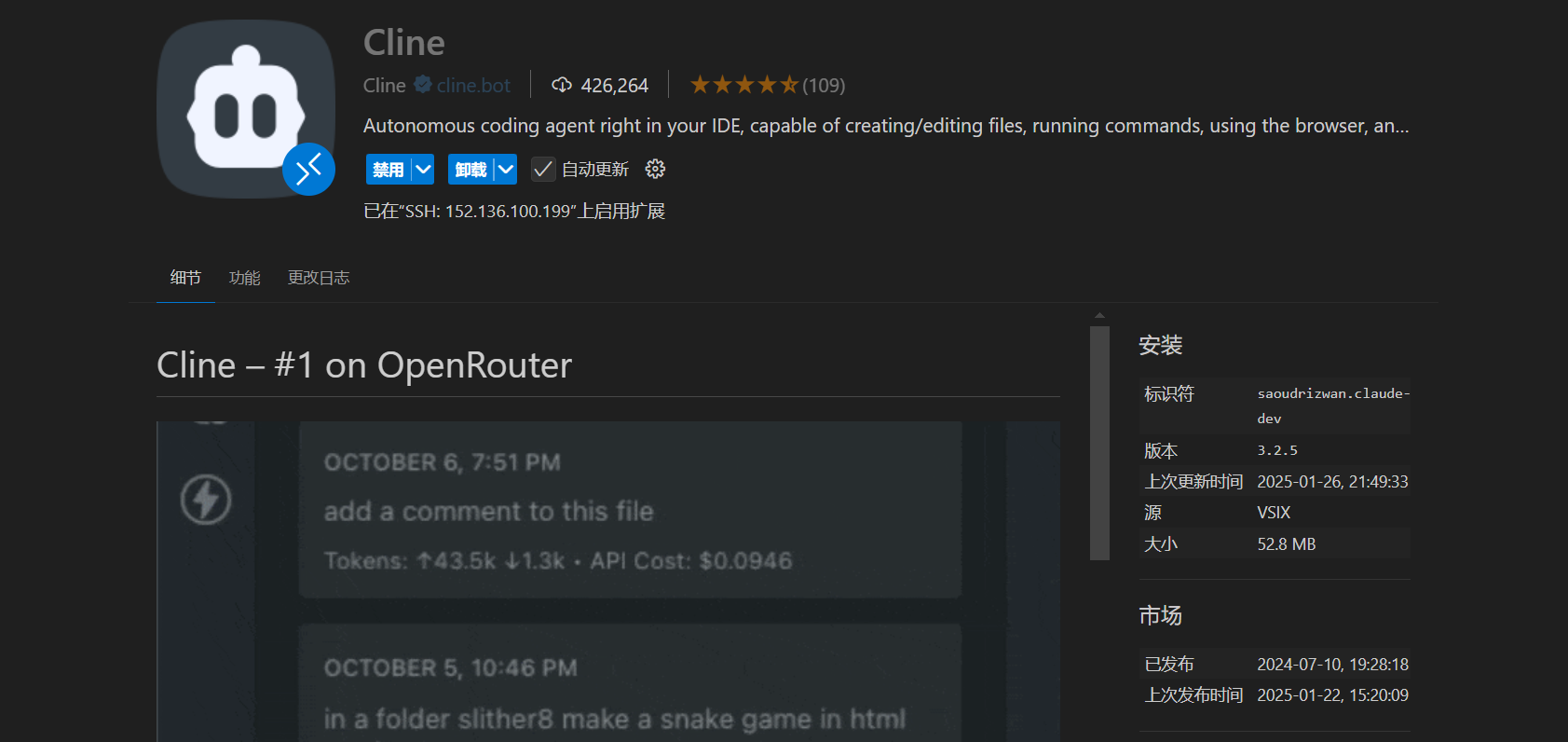
The usage is the same as using a Chat tool directly, which is through dialogue.
I completed it directly through Cursor; its Composer feature can also automatically write and debug code across files, using the Claude 3.5 Sonnet model that I am very familiar with.
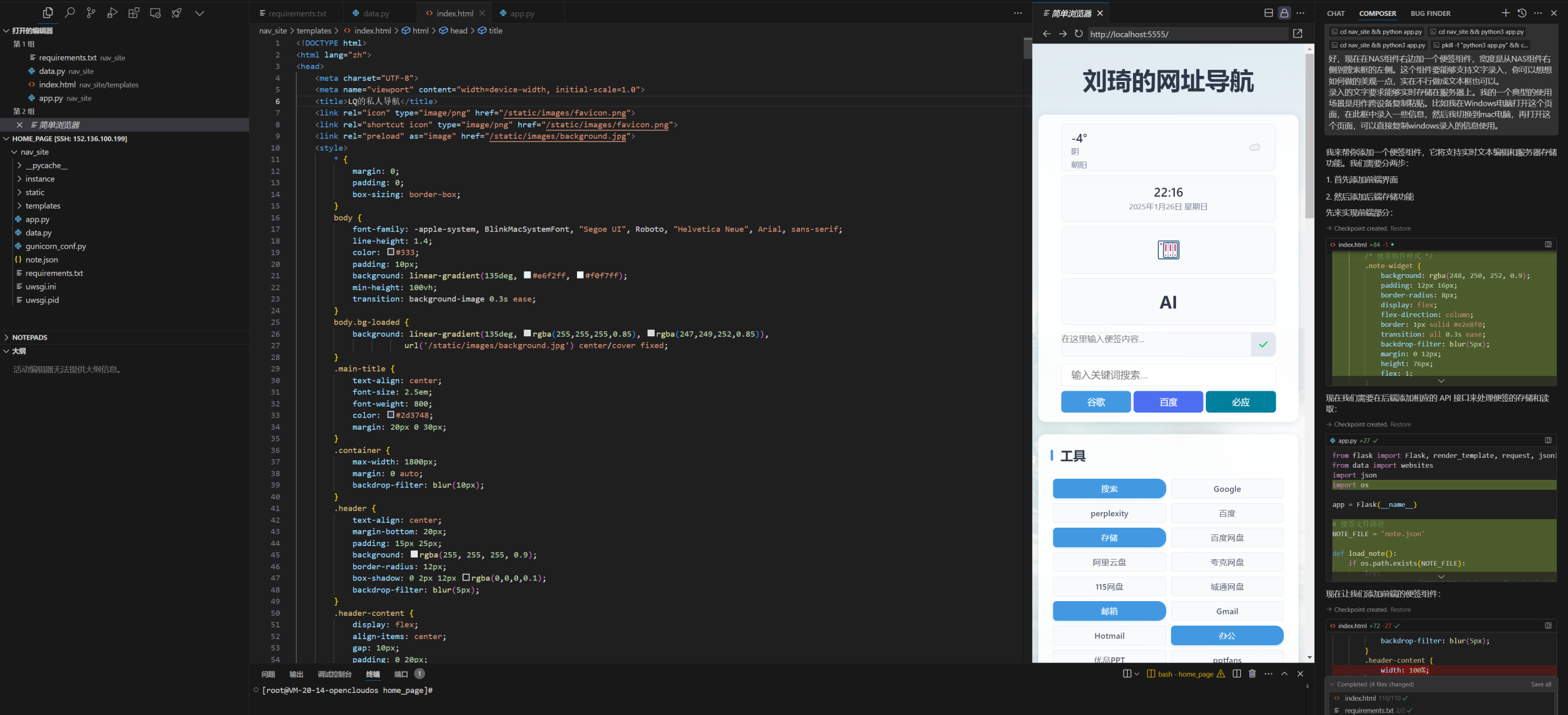
During development, I even had it write a small tool to ping and send HTTP requests to over 150 websites I had accumulated over more than a decade, eliminating over a dozen that were no longer functional.
The final result is shown in the image:
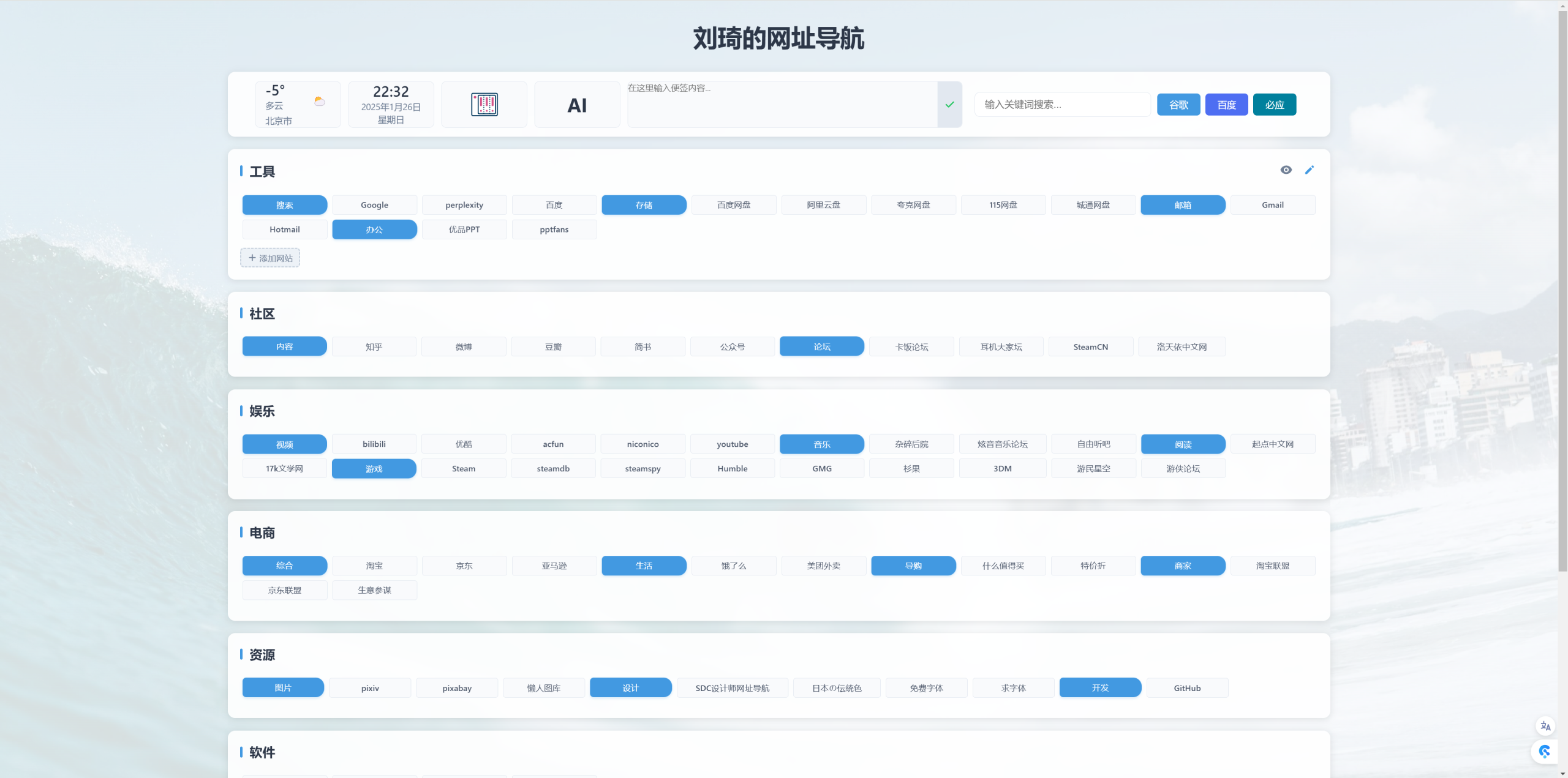
- I hosted it on my own Alibaba Cloud server (to be precise, I generated the code directly via SSH on the cloud server) and bound it to my own domain name.
- It was designed to a width that I find satisfactory, and it is also responsive on small-screen devices.
- While cleaning up defunct websites, I also re-categorized them.
- I added a simple backend. After migrating the websites from the original Baidu navigation, it supports editing and adding new websites, as well as drag-and-drop layout. (My backend does not use a database; it only uses a simple Python file to store these websites, so I can also edit this file from the server’s backend to make modifications and arrange the layout.)
- I added time and date displays, weather functionality, and quick search boxes for three major search engines.
- I added secondary aggregation page entries for NAS and AI. Clicking on them can open Docker applications deployed on my NAS and the AI tools I commonly use.
- I added an auto-saving sticky note box. Now, when copying and pasting text between multiple Windows, Mac, and mobile devices, I no longer have to get angry at the occasionally unreliable WeChat input method, nor do I need to log into multiple WeChat or QQ accounts. I just paste into this box, and on another device, opening the browser homepage allows for quick copying.
In short, by being proactive and saying goodbye to Baidu navigation, I feel much better.