It’s not that I’m so immersed in AI that I forgot to update, but rather that AI is truly endless to explore—literally endless.
GPT-4o’s multimodal image generation has been live for over three days, with new uses emerging daily and endless creative ways to edit images with just your voice. I couldn’t resist for even a single day—I signed up for GPT Plus that evening right after work.
I tried generating a couple of images using the most basic prompts, and the results were absolutely mind-blowing.
Swap products in one second ⬇️
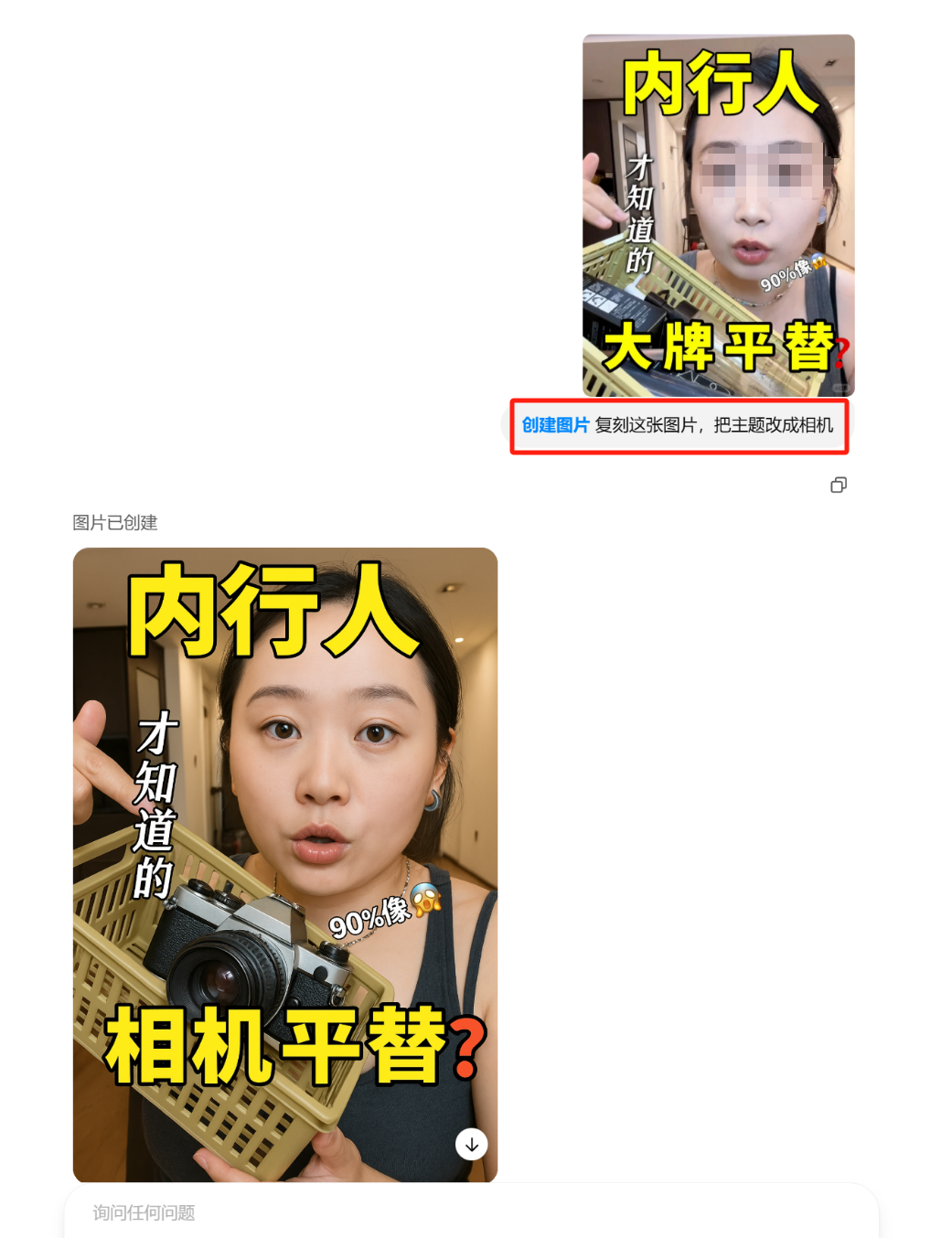
Transform male to female, change men’s clothing to women’s wear ⬇️
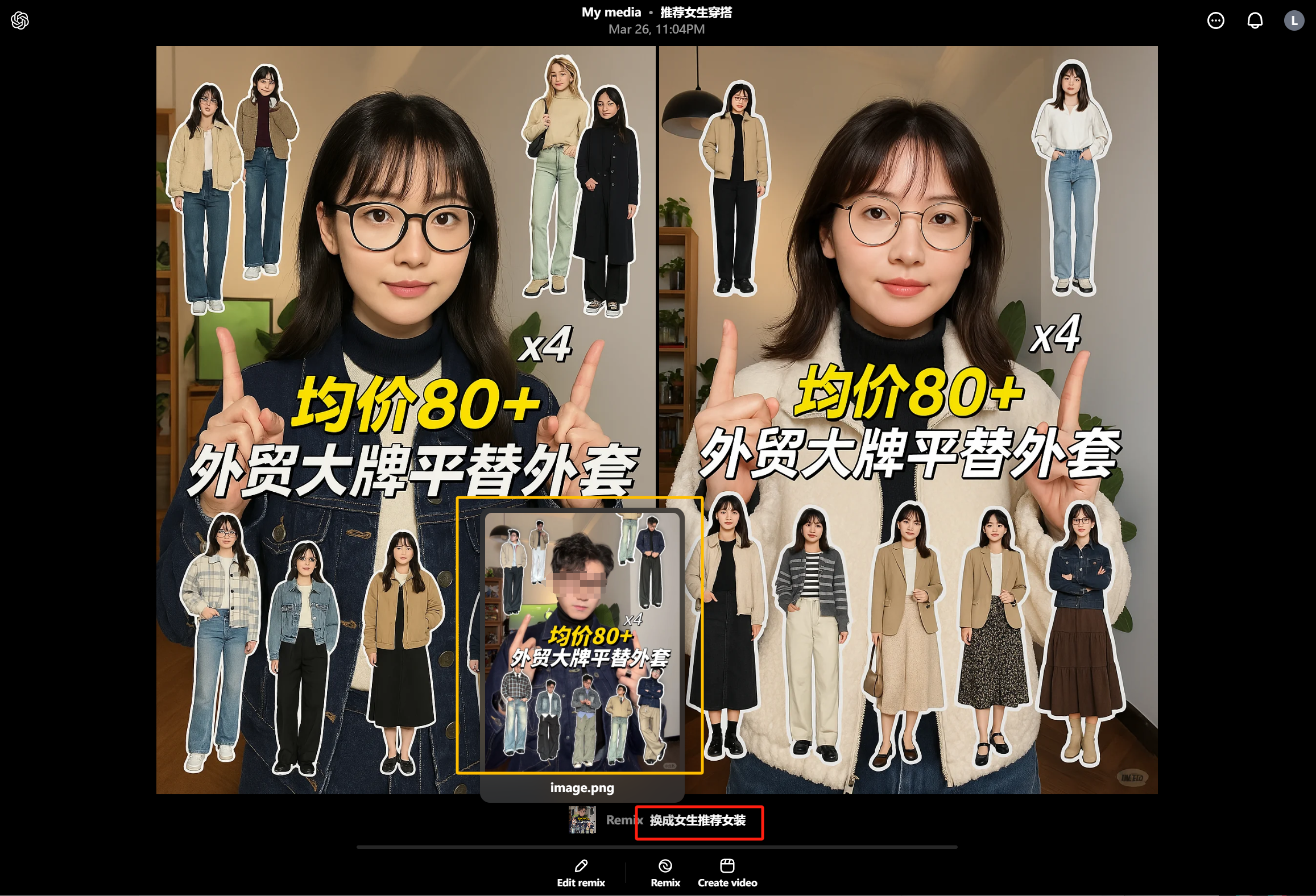
Over the next two days, various stunning applications kept coming non-stop.
So it’s not that I’m not updating, but there’s really nothing new to write about—I can’t even keep up with learning it all.
That was until I suddenly realized that everyone seems to be playing around with image-to-image generation.
Image-to-image requires having an image or multiple images to start with, making the barrier a bit higher, and the generation speed is also slightly slower than text-to-image.
As for me, a working-class blogger who isn’t financially free, I need to focus on productivity—and I also need to make the tools accessible enough for others to use.
So I brought back my trusty companion, the multi-dimensional table, and put together this template for generating Xiaohongshu (Little Red Book) cover images via text-to-image:
https://ilovezhiwai.feishu.cn/wiki/XO7BwzedJi2PspkQKxCcxRBnnUw?table=ldxlY7sLPeUzd7ai
It can generate covers in both image-text and text-only formats:
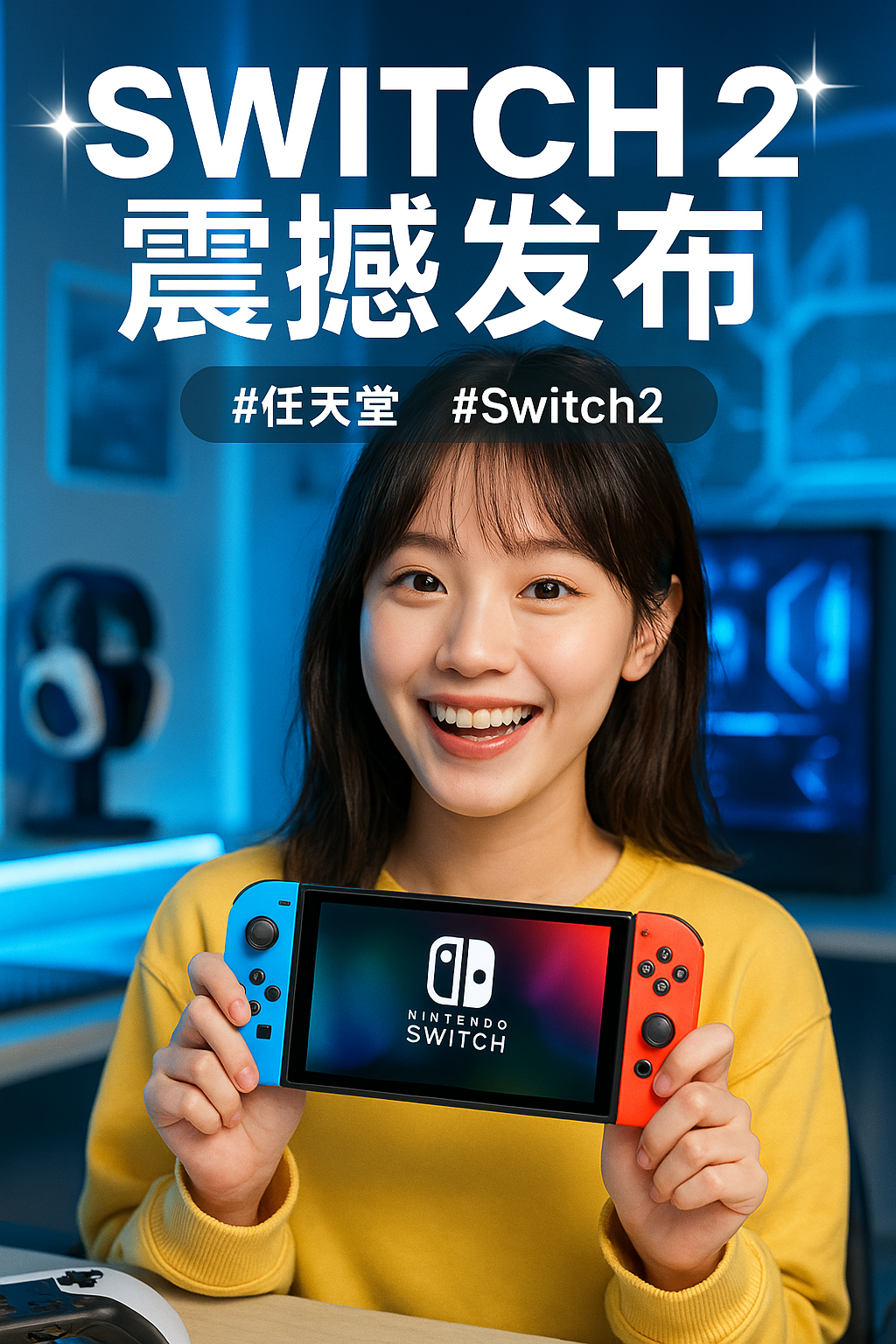
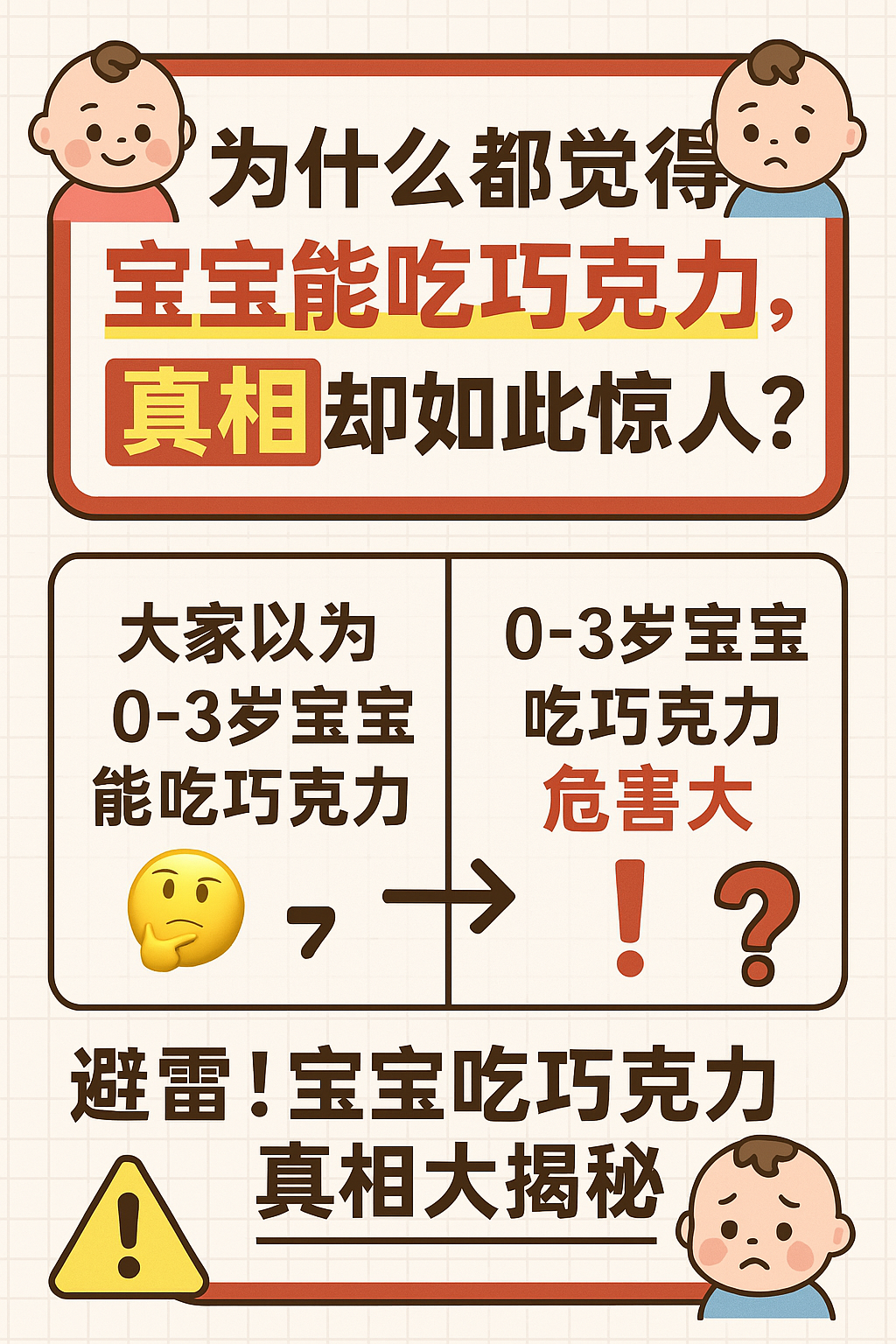
It’s very simple to use.
First, let’s talk about the image-text cover.
The first three columns are for input, where the ‘Note Topic’ field is required. ‘Additional Info/Requirements’ and ‘Style Preset’ can be left blank. However, filling in the latter two can better control the visual elements and style—specific examples are pre-filled in the table for reference.
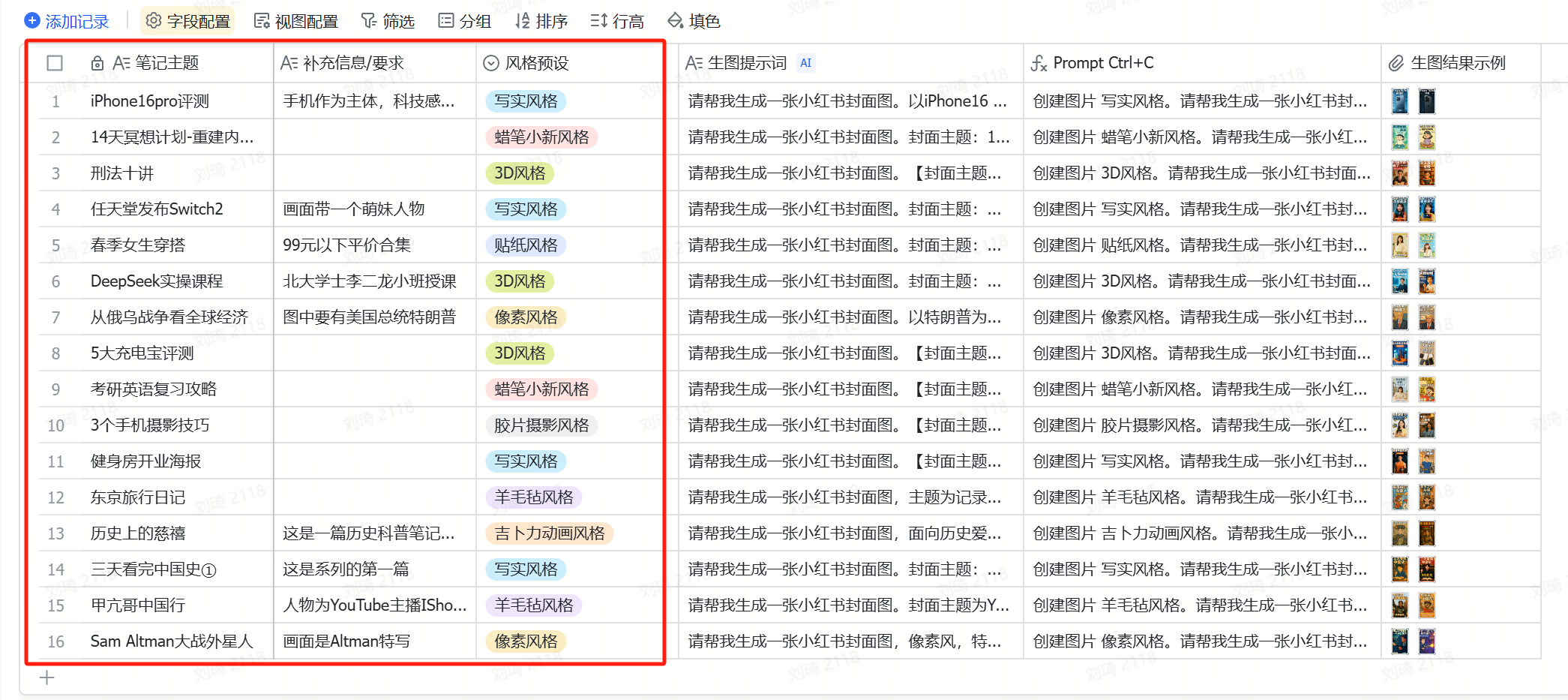
Once the input fields are filled, wait for the AI to generate the corresponding prompts.
After generation, simply copy the content from the ‘Prompt Ctrl+C’ field and send it to ChatGPT 4o to generate the image.
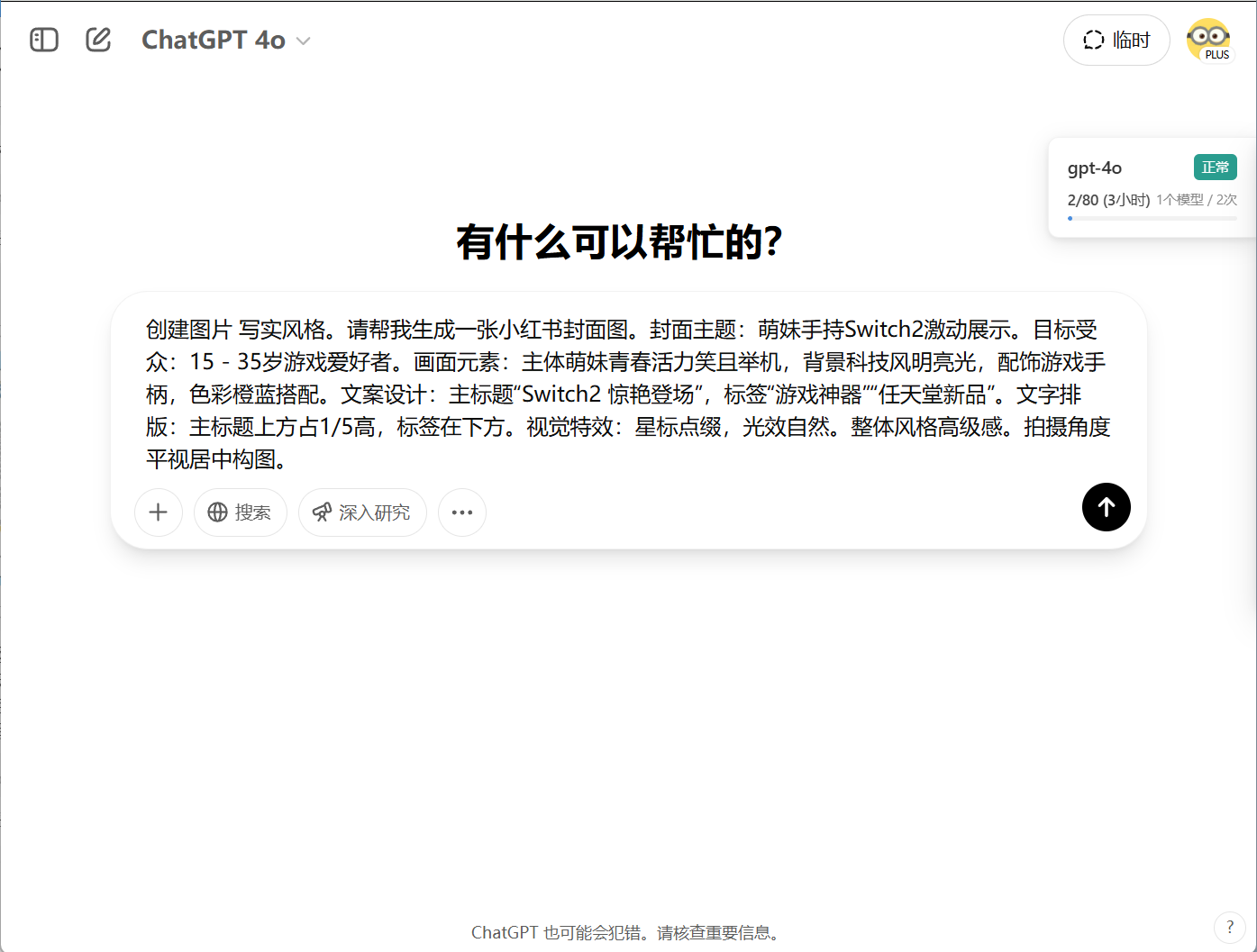
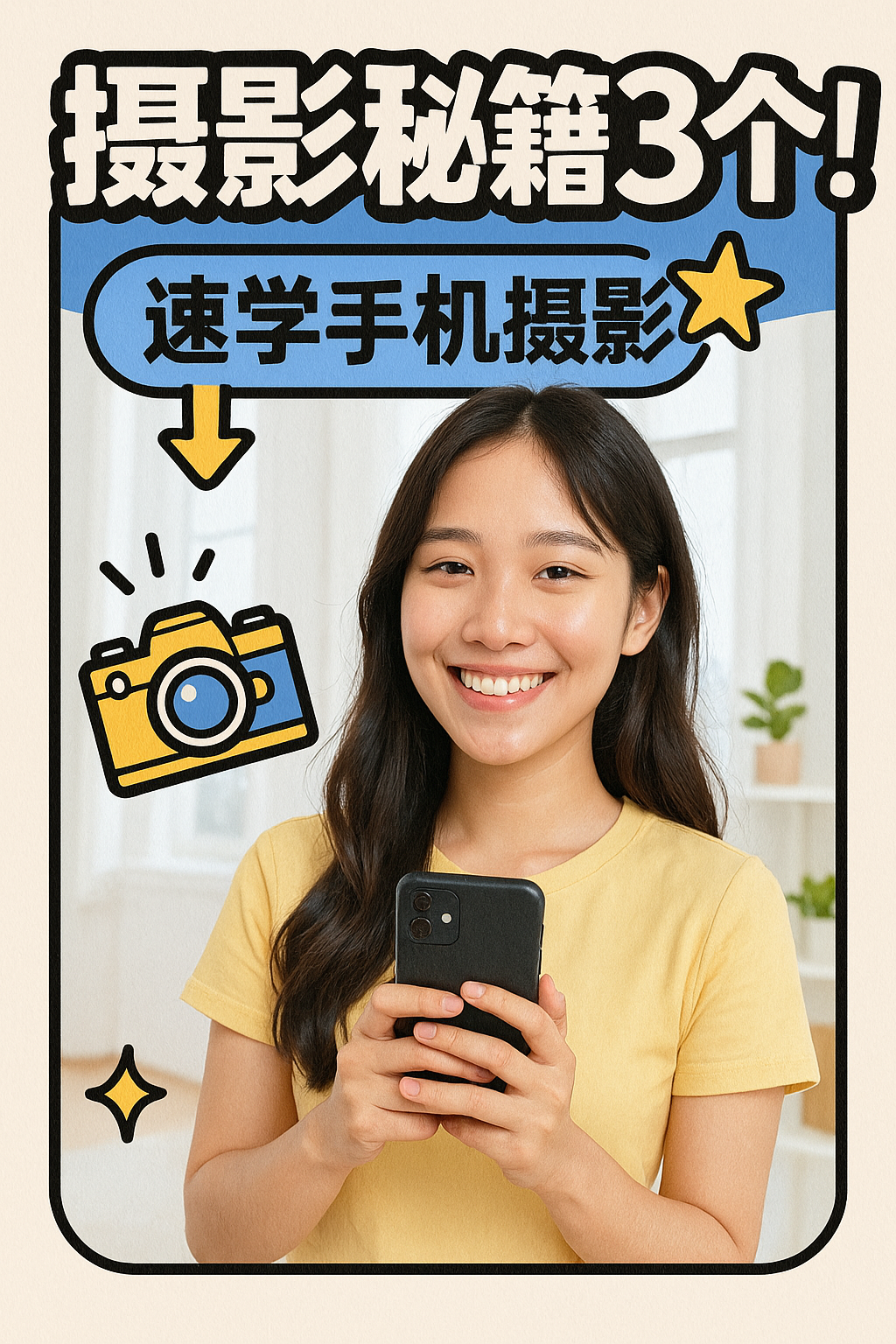
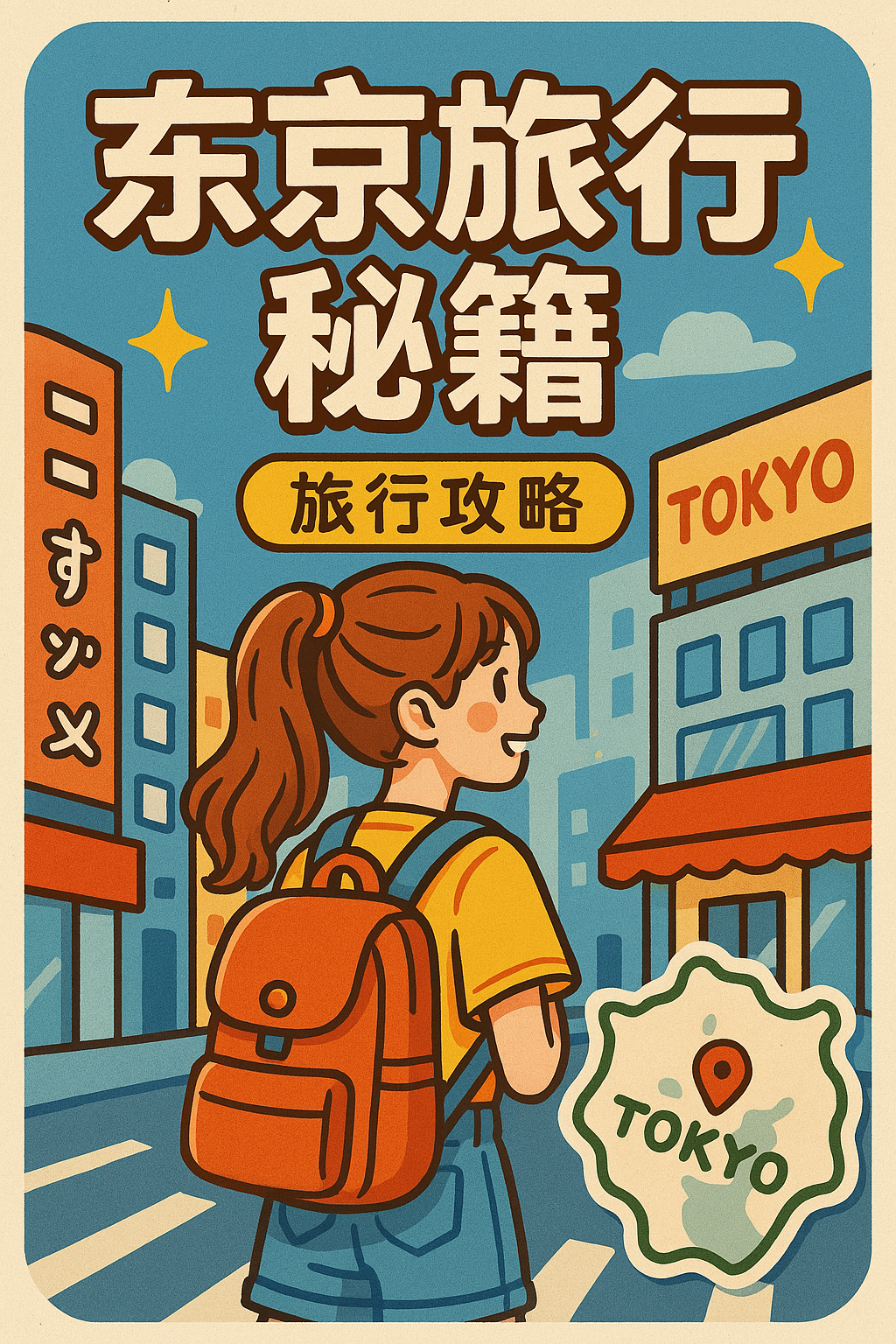
Through flexible configuration, you can create covers suited for various scenarios and different styles.
For example, if you’re a photography blogger:
A travel blogger:
A finance blogger:
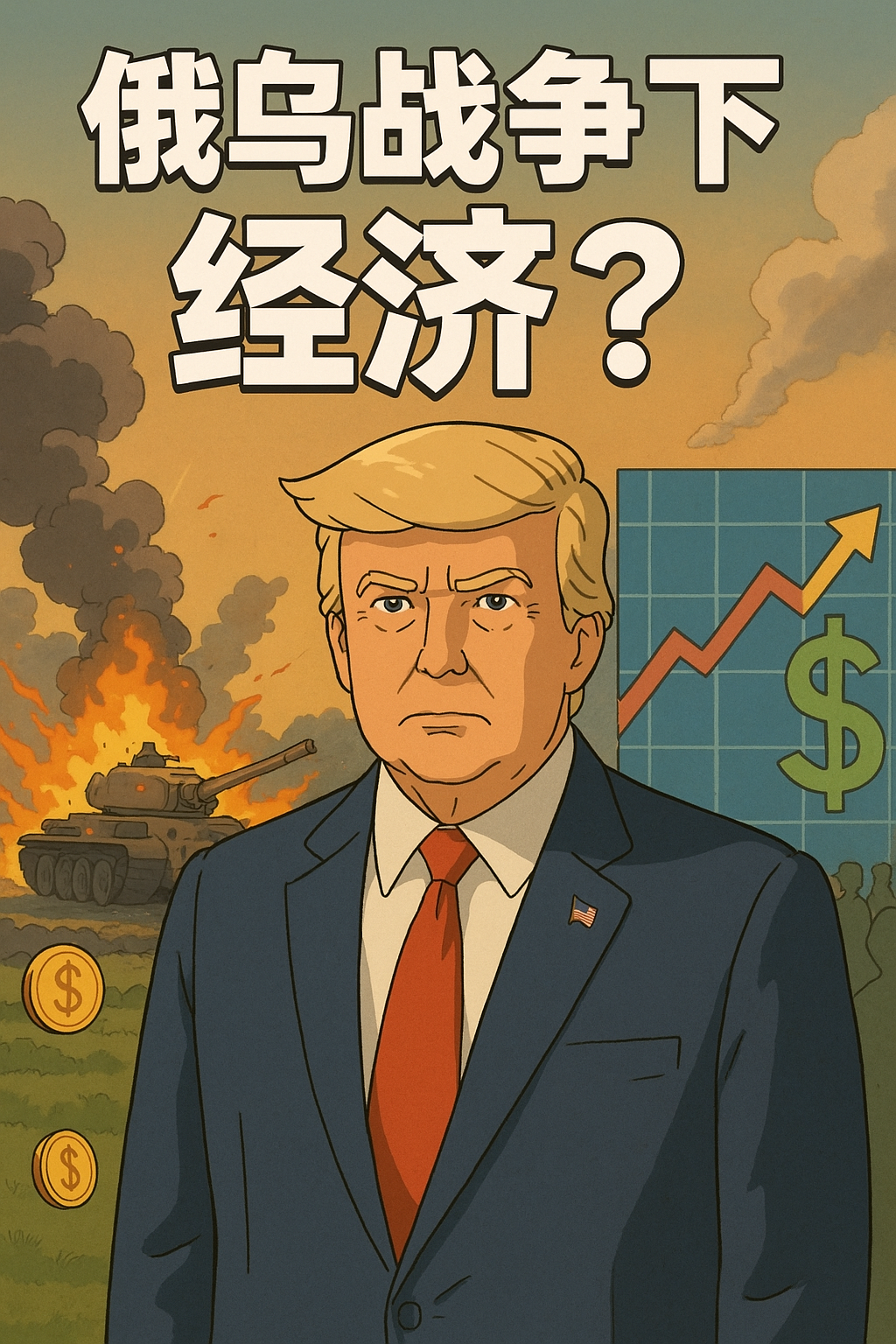
A news commentary blogger:

A knowledge and education blogger:
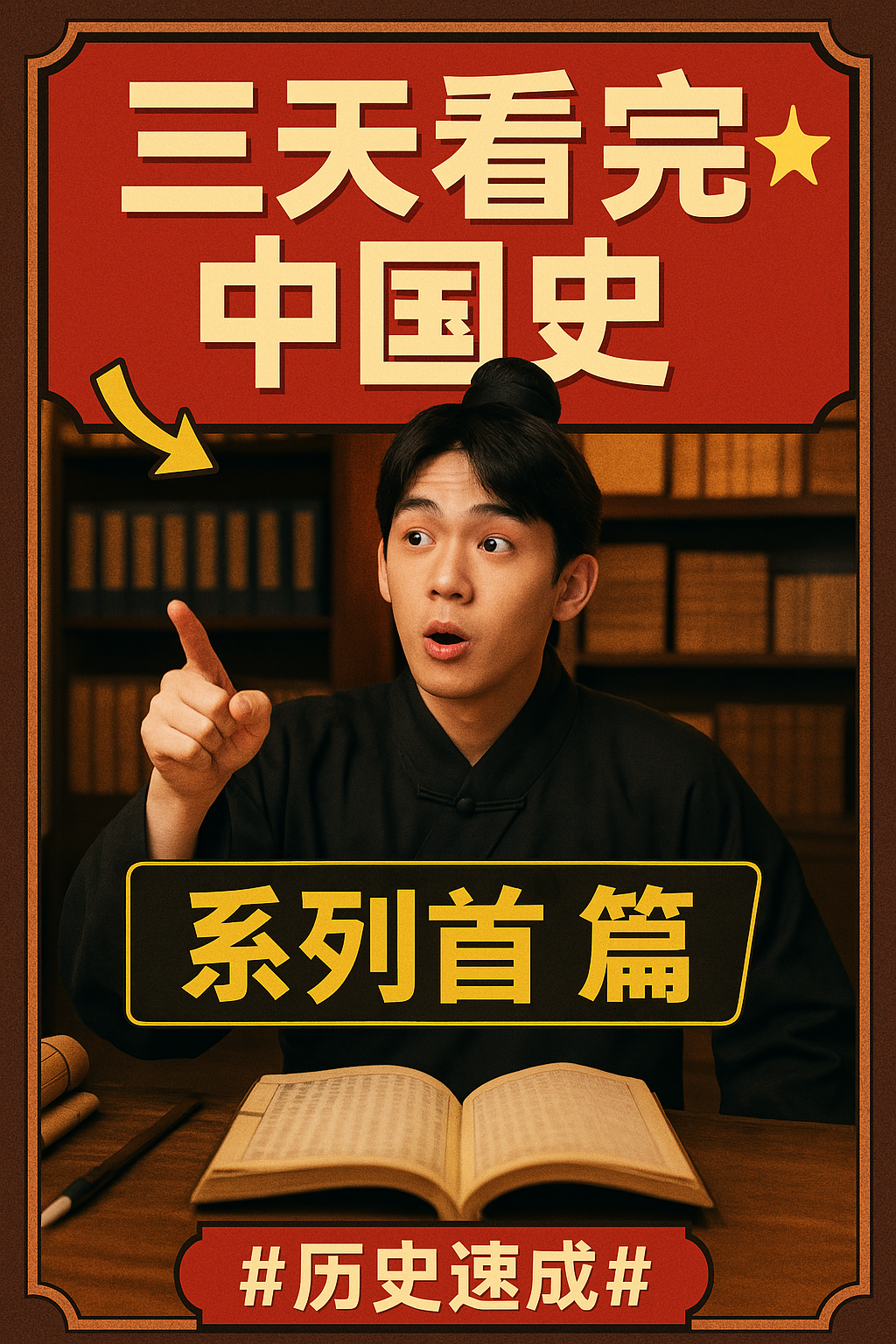
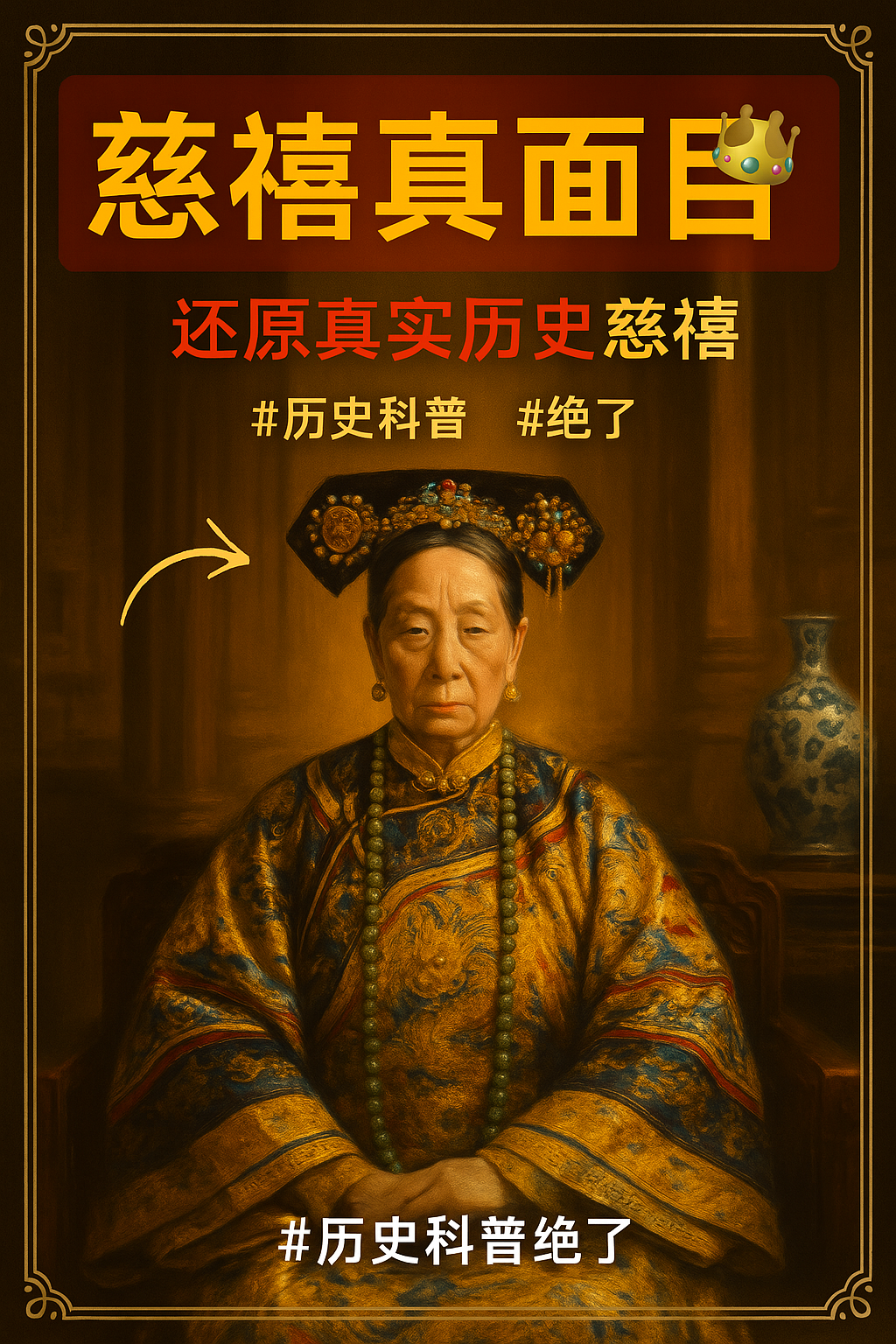
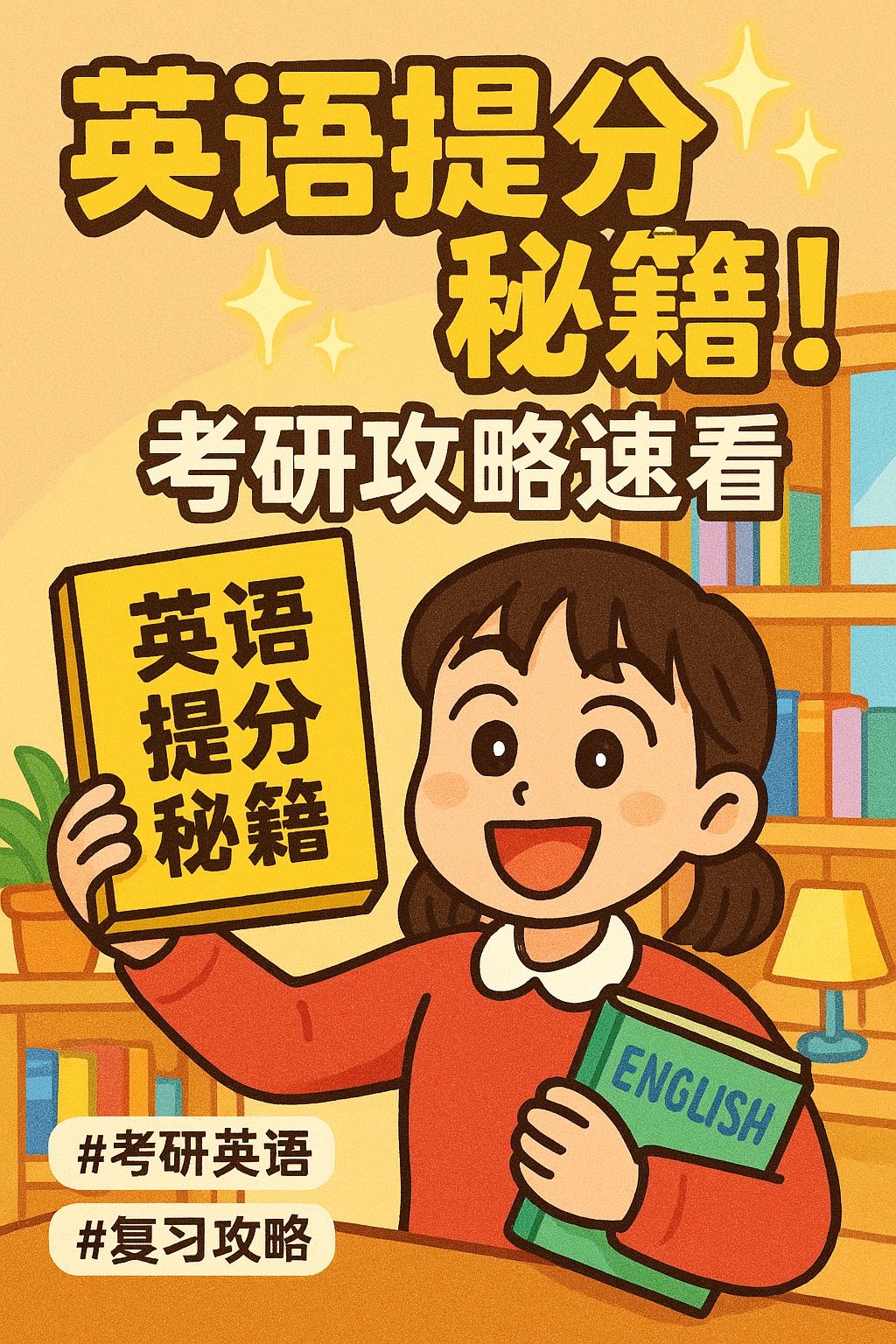

A humor blogger:
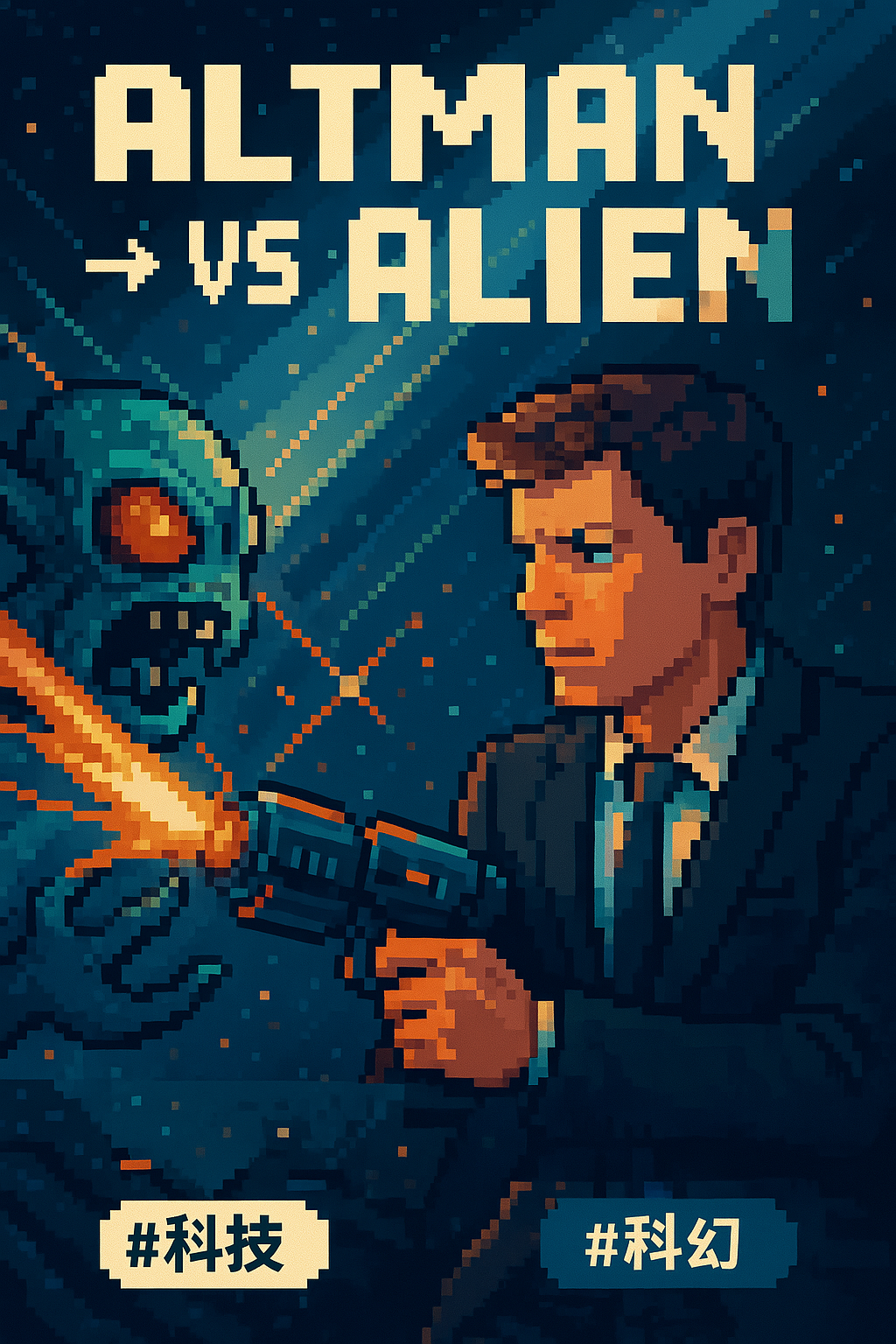
Even, a course-selling blogger:
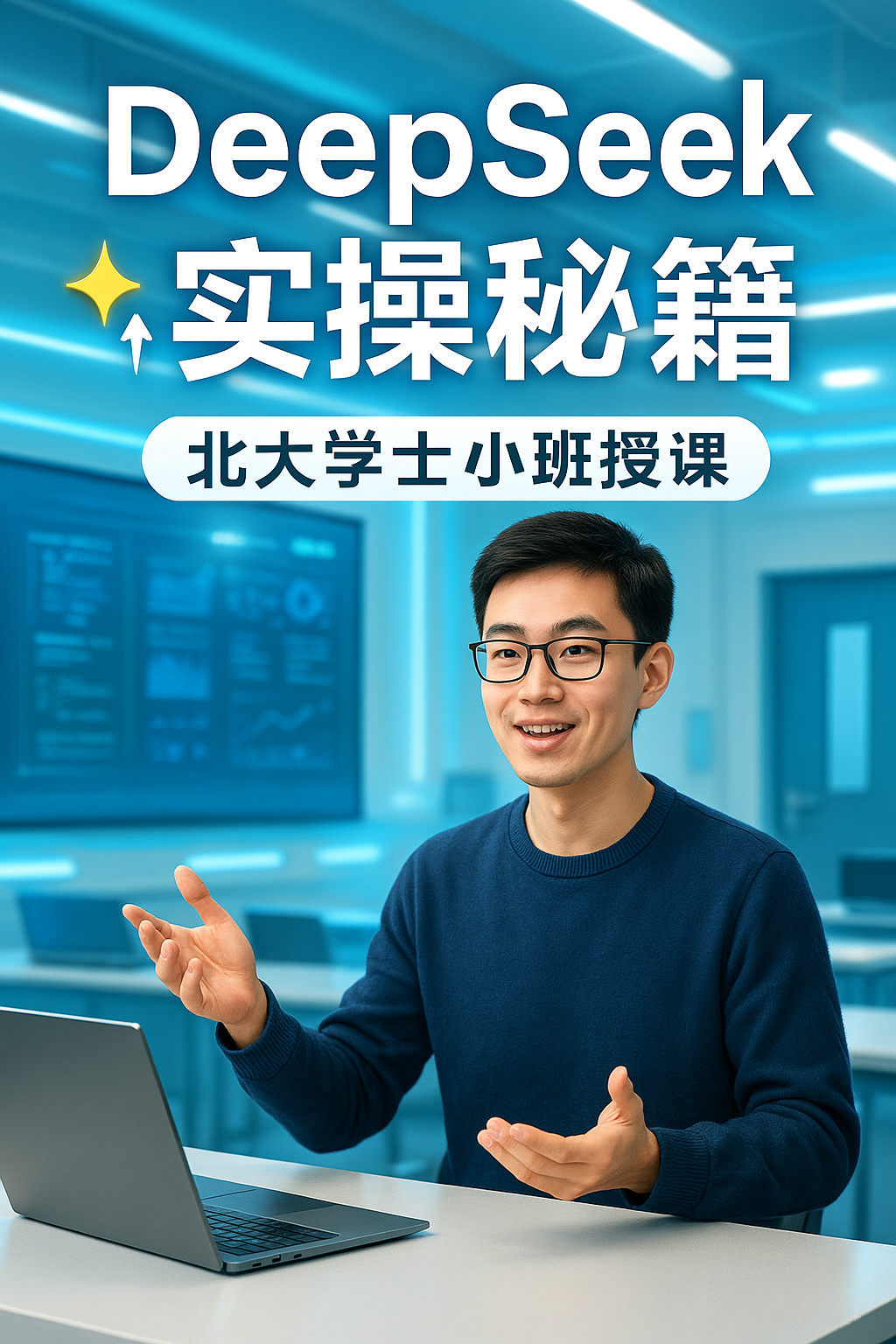
The usage for text-only covers is largely the same.
The first four columns are for input. Like the image-text cover, ‘Note Topic’ is required, while the other three are optional. However, ‘Style Type’ and ‘Background Preset’ have many built-in variations, so it’s recommended to select them.
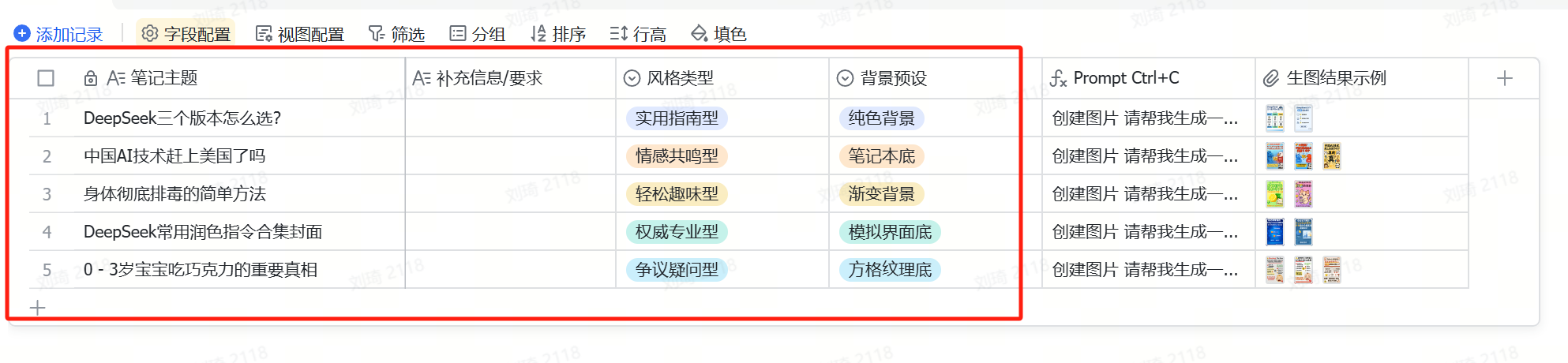
The subsequent steps are the same as with image-text notes.
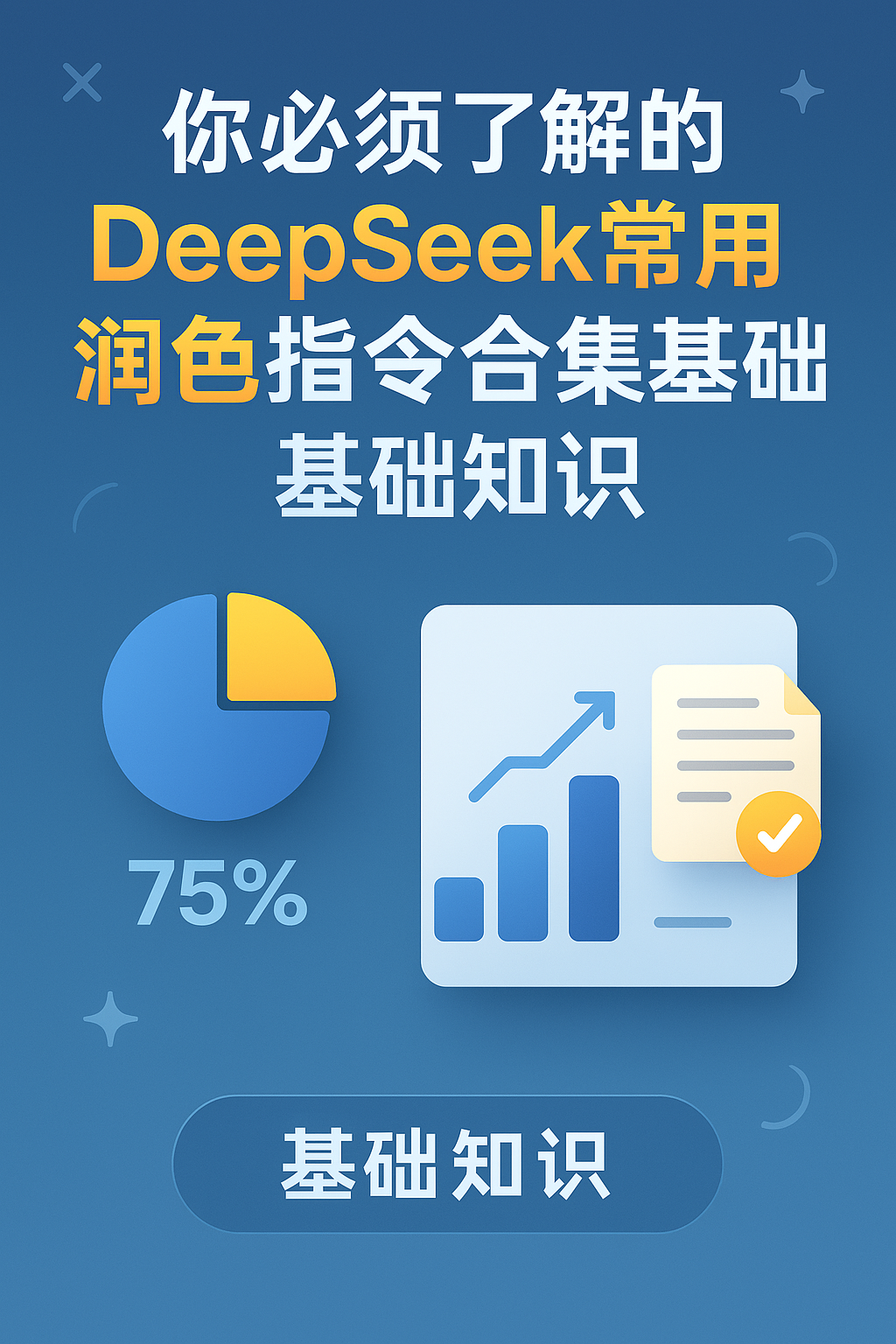
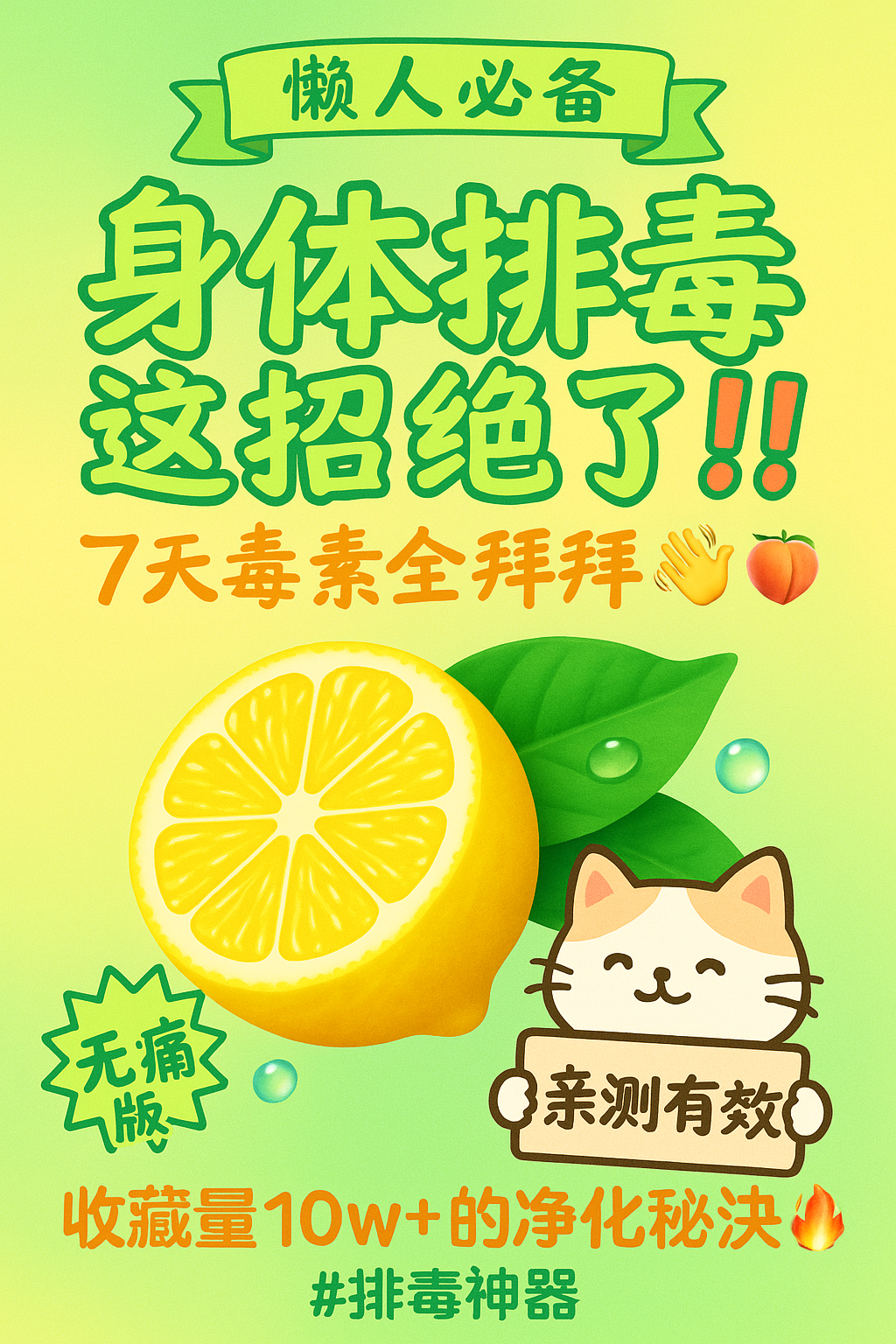
Using this table, you can create covers with text as the main stylistic element:
Some tips:
1. Theoretically, you can support generating images directly within the multi-dimensional table via API calls.
I didn’t test this as I ran out of API credits, but I’ve included a template in the workflow that uses Silicon Flow to call image-to-image generation. Feel free to adjust and test it. For details, refer to item 9 in this article:Sharing some AI usage experiences with Feishu multi-dimensional tables
2. The style presets in the image-text table may become ineffective. For example, in the earliest version, I had included ‘Araki JOJO’ and ‘Makoto Shinkai anime’ style presets, but both are now invalid.
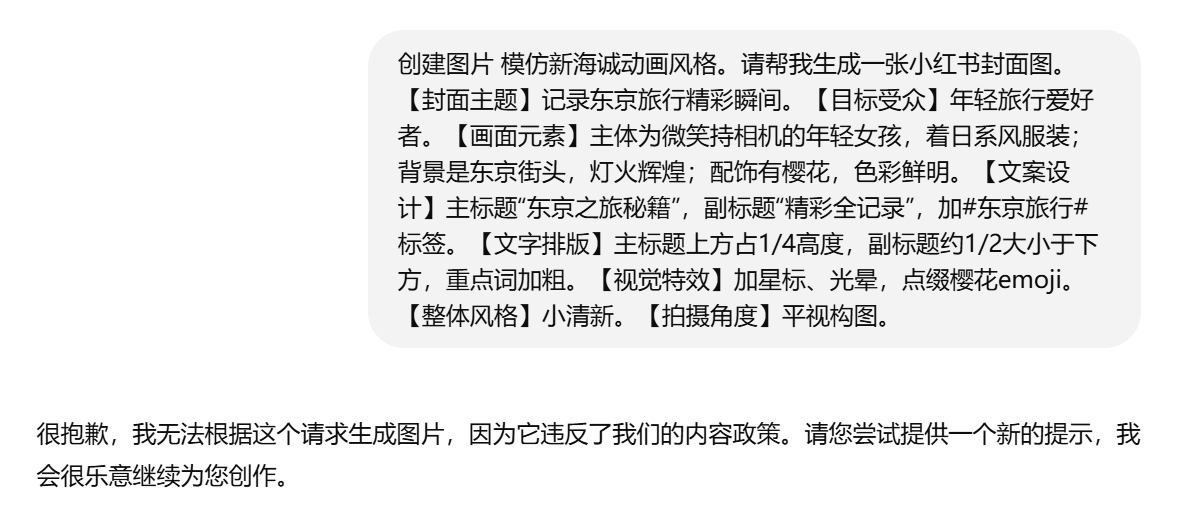
After creating a table from the template, you can directly edit the fields, delete or add new options.
3. Although GPT-4o has significantly improved in text generation, it still exhibits noticeable flaws with complex tasks. Both poster copy and prompt length are recommended to be kept concise.
Based on my testing, the recommended model for prompt generation isDoubao-1.5-256K(The 32K prompt is slightly longer), offering a balance between scene description and prompt length. For stable output, the default AI model used in this table isDoubao-1.5-256Kmodel, and you can experience the results for yourself.
Additionally, the shortcut for selecting a custom service provider’s API field remains an old issue:When creating the template, the API Key isn’t reset, so it will continue to consume the API credits I’ve entered. Therefore, I kindly ask those with APIs and who know how to register a Volcano account to replace the API in the‘Image Prompt’ field with your own API after using the template.。
For those who don’t know how to register an account, it’s okay—you can still use my API for now. However, I can’t guarantee it will work long-term. If costs become too high, I might deactivate this key, so please understand.
4.Besides the default Doubao model, I’ve also retained DeepSeek-V3 version prompt generation in the hidden fields of both sub-tables.
Although, given GPT-4o’s current image generation capabilities, the direct success rate with this version is relatively lower. However, in terms of copy and visual richness, it’s noticeably better than Doubao 256K. With further manual processing in Photoshop, detailed dialogue adjustments, or generating and merging transparent layers, the results can still be quite usable.
Here are some examples of the V3 version prompts outputting directly:
Image-text ⬇️
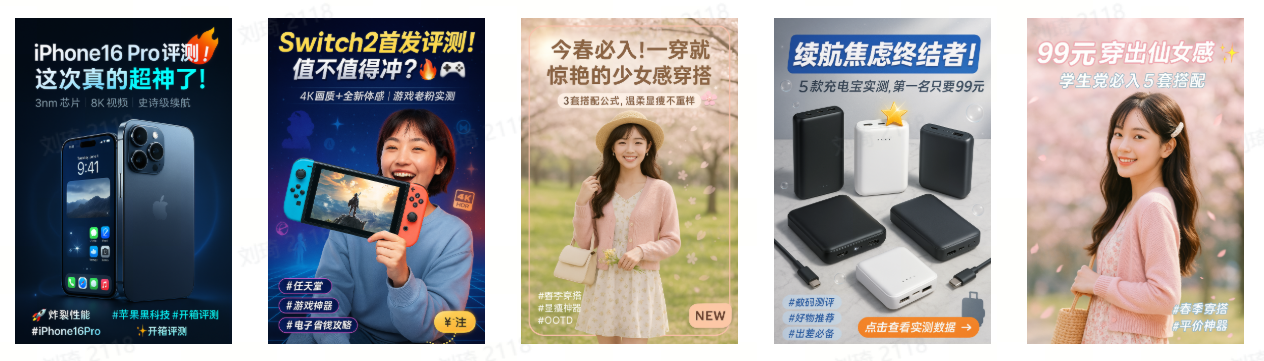
Text-only ⬇️
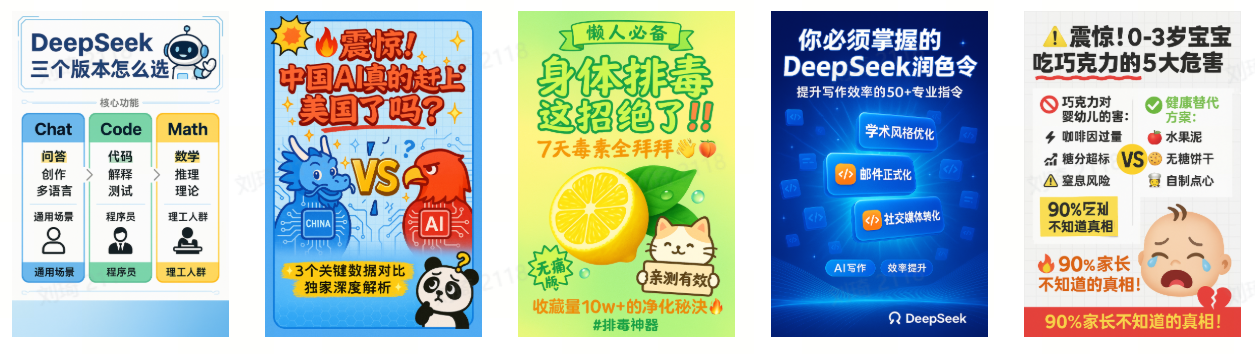
Text-only covers are naturally slightly more stable than image-text ones. In the demo result examples in the table, each note topic has one Chinese result from Doubao and one from V3.
As you can see, the copy and visual richness generated by V3 are somewhat better.
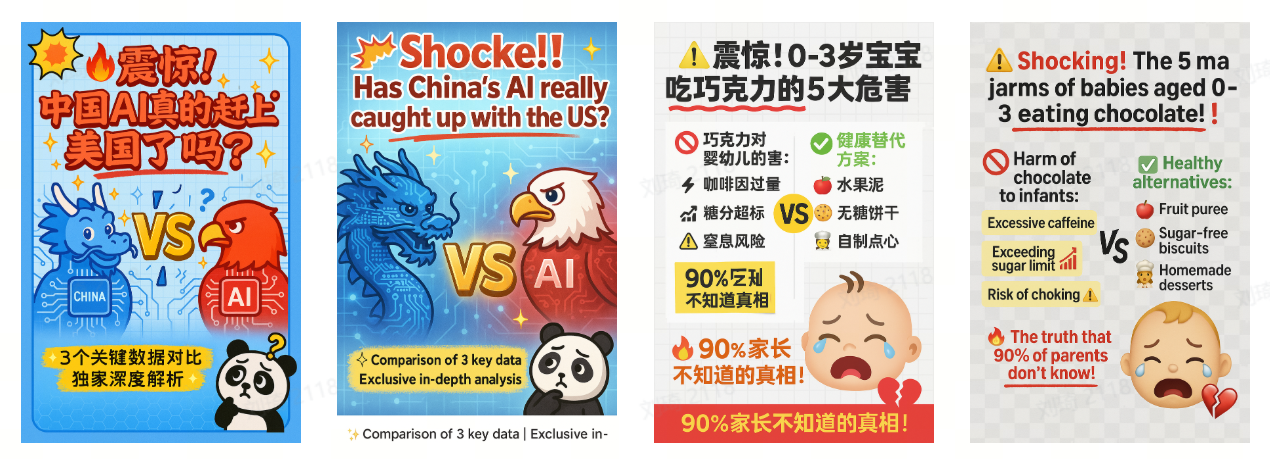
Also, 4o’s English text output is usually more stable than its Chinese. If you’re using it in English scenarios, you might consider defaulting to V3.
Comparison of generation results for two prompts translated into English:
5. If you need to adjust the default copy generation requirements and visual style, locate the formula field named ‘Prompt’ and make adjustments.

For everyone’s convenience in modifying and adjusting, I’ve also included the prompts here.
Mainly the two core prompts for image-text and text-only.
These two prompts are mostly derived from AI analysis, with only minor manual tweaks.
As a related industry practitioner, heh, I directly downloaded a batch of high-view-rate covers from the Xiaohongshu (Little Red Book) Juguang platform backend and had AI analyze them. Then I summarized most of the copy and visual element-related prompts.
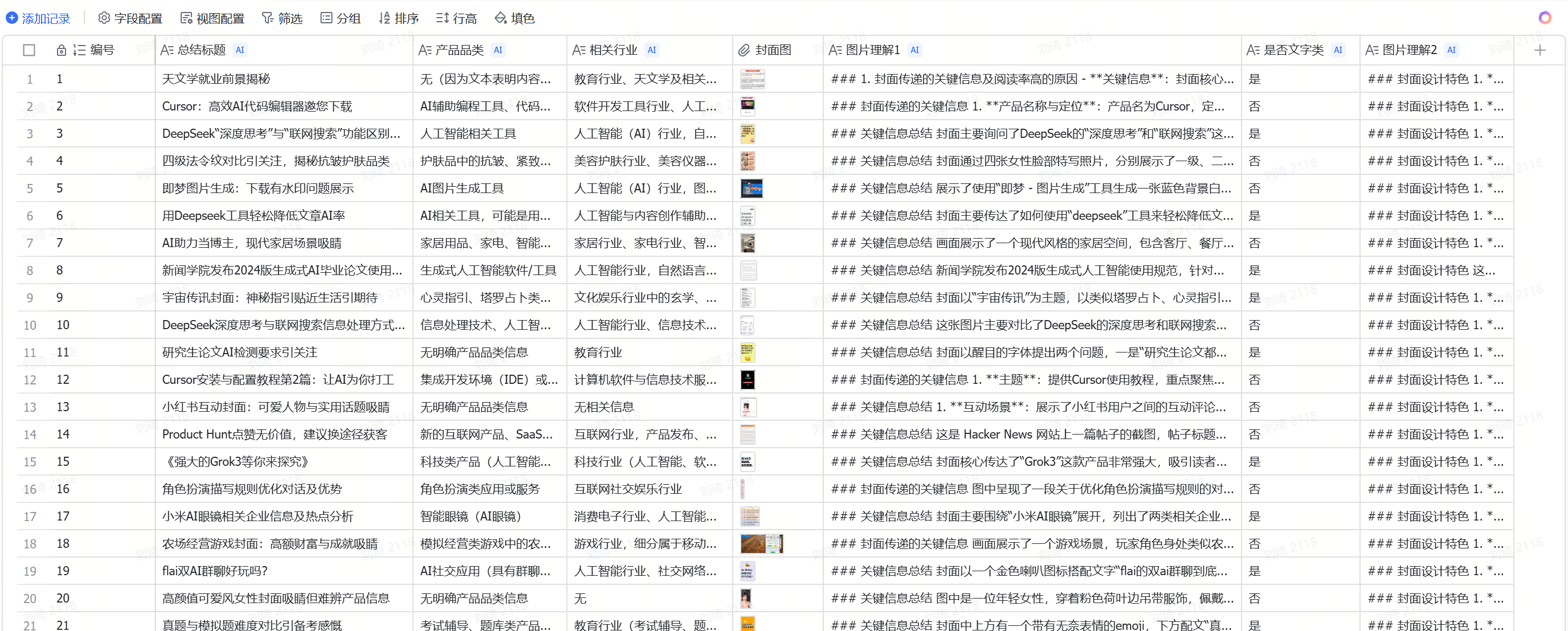
Engaging in a bit of ‘cutting corners’ with fellow AI enthusiasts in the industry, then showing off AI skills in front of peers—a philosophy of playful mischief XD.
The prompts are as follows:
Image-text type:
Please generate a detailed prompt for AI drawing based on the topic I provide: "{Topic}", to help create a high click-rate Xiaohongshu (Little Red Book) style cover image.
Text-only type:
Please create a high click-rate Xiaohongshu (Little Red Book) cover image with the topic: [Topic].
(The ‘Style Type’ and ‘Background Preset’ have multiple design variations, changing with the table’s options and concatenated via formulas. For the specific settings of different styles and backgrounds, check the formulas in the table.)
Have fun~